Apps · Categories

Build Stunning Websites with these Webflow Design Apps

Discover top-rated Webflow Design Apps to enhance your Webflow site's visual appeal. Streamline your design process with these recommended tools.

105 apps · page 1 of 3

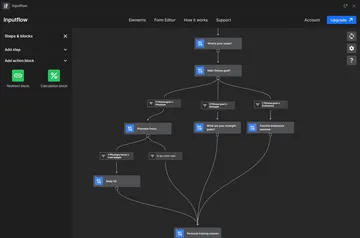
Inputflow
Inputflow Build multi-step Webflow forms that guide visitors through questions, choices and calculated outcomes.
Install app
Hugeicons
Hugeicons Find and add SVG icons in Webflow, then recolor, resize, or animate them as editable layers.
Install app
Closeby
Closeby A searchable map gives visitors a way to find a business’s physical locations on its Webflow site.
Install app
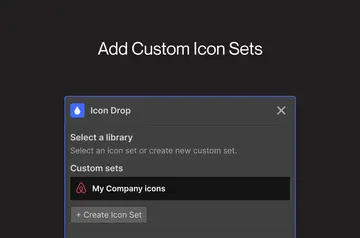
Icon Drop
Icon Drop In Webflow, search for icons and add them as editable elements you can recolor or animate.
Install app
Flowpilot
Flowpilot Get coding and design help in the Webflow Designer, where Flowpilot brings chatbot assistance to your work.
Install app
IconSearch
IconSearch Add searchable SVG icons to your Webflow canvas, ready to place within or around selected elements.
Install app
gFLUO
gFLUO For Webflow freelancers and agencies, gFLUO adds animated text effects to client projects without code.
Install app
Smootify
Smootify Build Shopify storefront pages in Webflow, then publish and update their designs from the Designer.
Install app
Sass
Sass Write custom CSS and Sass for a Webflow site, compile it in the browser, and preview it in the designer.
Install app
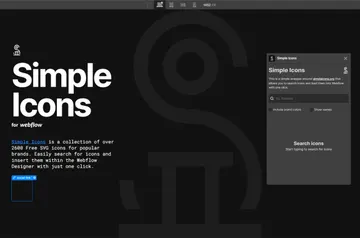
Simple Icons
Simple Icons Add searchable brand SVGs to your Webflow project, with the option to keep or omit each icon’s brand color.
Install app
Modulo
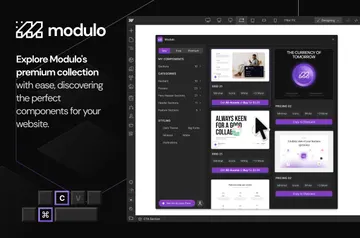
Modulo Modulo gives Webflow site owners pre-designed components they can use as project starters or add individually.
Install app
Creattie
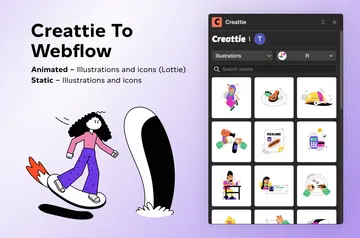
Creattie Add coordinated Lottie animations and vector illustrations to your Webflow project by browsing and embedding Creattie assets.
Install app
Getty Images
Getty Images Search Getty Images and place licensed photos, vectors, and illustrations in your Webflow designs.
Install app
Squeeze
Squeeze In Webflow Designer, Squeeze adds a video element to the canvas and lets builders set its playback options.
Install app
SVGFlow
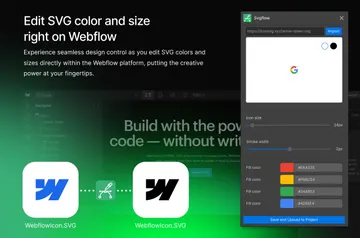
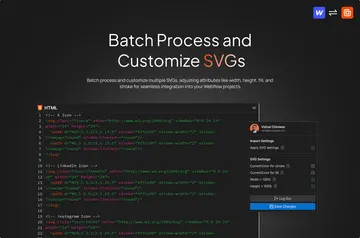
SVGFlow Set SVG icon colors, dimensions, and stroke widths in Webflow as you shape your site’s design.
Install app
Unsplash
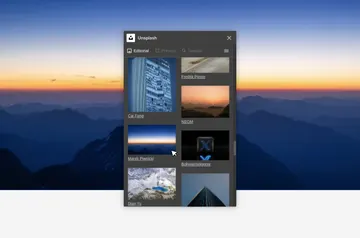
Unsplash Webflow site builders use Unsplash to find and add images to designs for the sites they are building.
Install app
Form Fields Pro
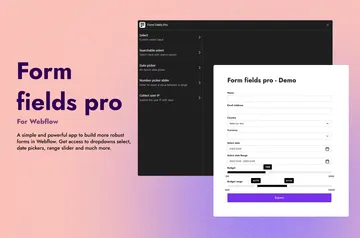
Form Fields Pro Give your Webflow forms searchable selects, date and number pickers, and a way to capture a customer's IP address.
Install app
Arc Text
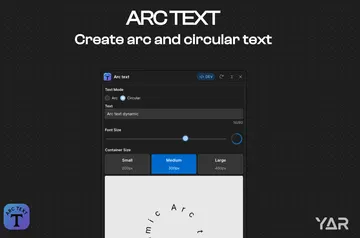
Arc Text Make curved or circular SVG lettering in Webflow for badges, logos, headlines, calls to action, and labels.
Install app
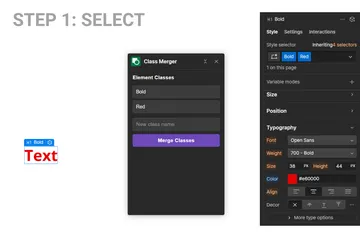
Class Merger
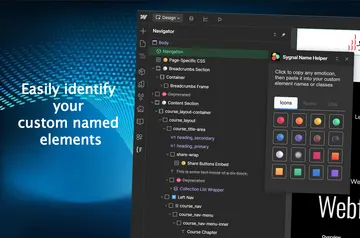
Class Merger Webflow site owners can consolidate a selected element’s classes into one named class while retaining responsive styles.
Install app
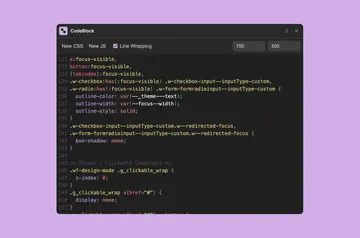
CodeBlock
CodeBlock Add CSS or JavaScript to your Webflow site with an editor that formats code and stays available as you navigate.
Install app
HTML Viewer
HTML Viewer Inspect selected Webflow markup, follow its nested structure, and copy HTML directly from Designer.
Install app
HTMLtoflow
HTMLtoflow HTMLtoflow is for Webflow builders who want to turn raw HTML into elements for Webflow Designer.
Install app
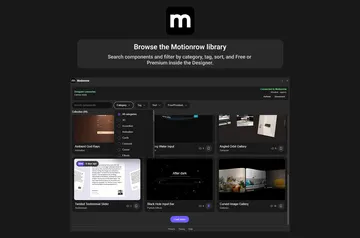
Motionrow
Motionrow A Webflow Designer component catalog, Motionrow lets site builders preview options and place them on a project canvas.
Install app
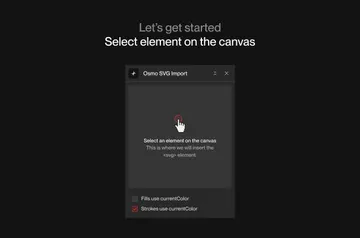
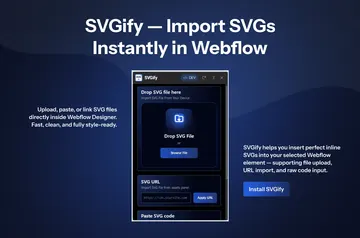
SVGify
SVGify In Webflow Designer, SVGify imports vector graphics into the canvas element you select.
Install app
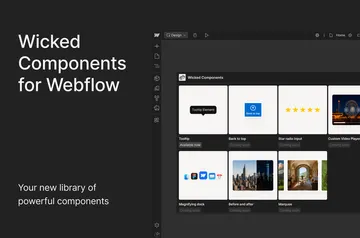
Wicked Components
Wicked Components Wicked Components gives you adjustable interactive elements for Webflow, including tooltips and a control that scrolls to the top.
Install app
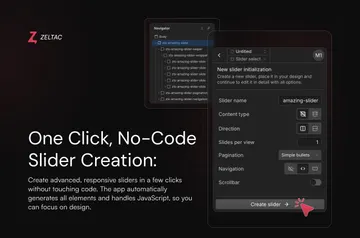
Zeltac Slider
Zeltac Slider Create responsive Webflow sliders from page content or CMS items, with layout and controls you can set in Designer.
Install app

No longer on Webflow

Webflow has removed these, so they can't be installed any more. Their pages list similar apps.