Add Library Images to Designs with Unsplash Webflow App
Webflow site builders use Unsplash to find and add images to designs for the sites they are building.
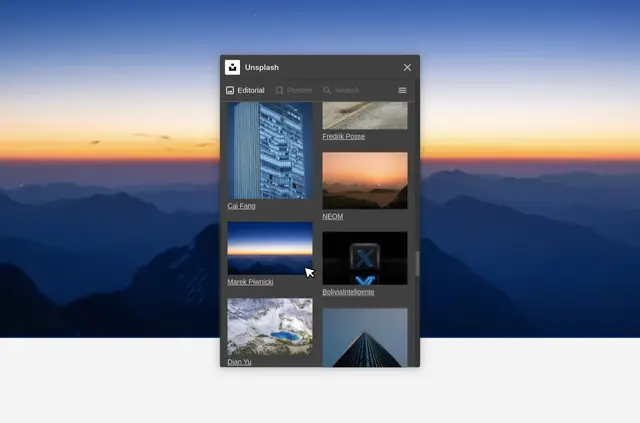
Unsplash connects Webflow designs with its image library, giving site builders a way to bring images into their projects.
Search and filters help locate specific options, while presets add randomized images.
Things to keep in mind
The Unsplash License permits image use in personal and commercial projects. The app is listed as free, and Getty Images made it.
What it handles
Within a Webflow project, users can search or filter the Unsplash library to find images and add them to designs. Presets provide a quick way to insert randomized choices.
When it's a good fit
This app suits Webflow users whose sites need images from Unsplash. It works for projects that call for selected images or randomized options added through presets.
Common questions
Can I use Unsplash images in a commercial Webflow project?
Yes. The Unsplash License permits image use in both personal and commercial projects.
Can I narrow down which images I add?
Yes. Search and filters help users find specific image options.
Can I add images without choosing each one?
Yes. Presets insert randomized images quickly.
Who made the app?
Getty Images made the app.
Is the app free?
The app is listed as free.