Add SVG Icons to the Canvas with IconSearch Webflow App
Add searchable SVG icons to your Webflow canvas, ready to place within or around selected elements.
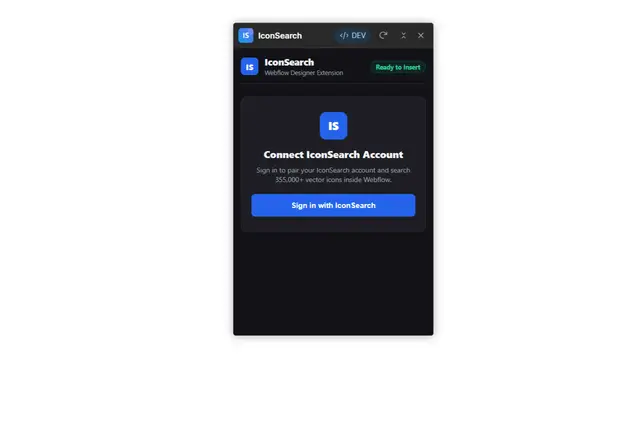
When you add IconSearch to your Webflow workflow, you can place SVG icons on the Designer canvas where you need them. Search collections by keyword, choose a target element, and add an icon with a click or double-click.
The catalog brings together more than 355,000 open-source icons from over 100 design libraries. IconSearch is listed as free.
How setup works
Open the IconSearch extension in Webflow Designer and sign in with a free IconSearch account. To make your first addition, search for an icon, select a canvas target, and click or double-click the result.
Features worth knowing
- Adjust icon dimensions between 16px and 256px, and choose a HEX color before adding it.
- Use the license filter to find icons covered by open-source commercial licenses.
- Place an icon inside the selected element, ahead of it, or after it.
IconSearch FAQ
Can I add SVG icons directly in Webflow Designer?
Yes. IconSearch lets you search for SVG icons and insert them onto the Webflow Designer canvas.
What account do I need to use IconSearch?
You sign in with a free IconSearch account after opening the extension in Webflow Designer.
How do I find an icon in the catalog?
Search using a keyword to find icons across the catalog of more than 100 design libraries.
Can I limit results by license?
Yes. The license filter can show icons with open-source commercial licenses.
Can I position an icon around a selected canvas element?
You can add it inside the selected element, before it, or after it.