Add Coordinated Animations and Illustrations with Creattie Webflow App
Add coordinated Lottie animations and vector illustrations to your Webflow project by browsing and embedding Creattie assets.
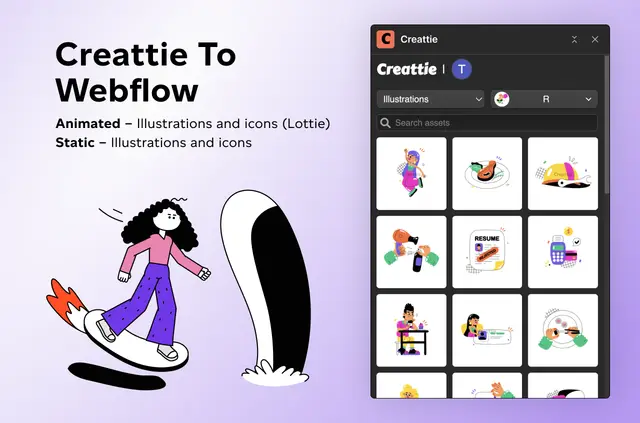
Webflow creators use Creattie to find animations and illustrations for their projects. Collections organized by visual style and industry can help you keep a consistent appearance across your site.
Browse or search for an asset, then embed it directly in Webflow with drag-and-drop. You don’t need code or downloads.
From install to first use
Browse Creattie’s collections or search for an animation or illustration. Choose an asset and drag it into Webflow to embed it in your project.
What Creattie does
Creattie provides Lottie animations and vector illustrations for Webflow projects. Its collections group assets by industry and visual style, making it easier to select visuals that work together across a site.
When it's a good fit
Creattie suits Webflow creators who want coordinated animations and illustrations. It can help when a project calls for a consistent visual appearance across its pages.
Creattie FAQ
Can I browse assets by visual style?
Yes. Creattie’s collections are organized by visual style and industry.
Can I search for assets in Creattie?
Yes. You can search for assets as well as browse the collections.
How do I add an asset to my Webflow project?
Drag and drop the asset into Webflow to embed it. No code or downloads are needed.
Can Creattie help keep visuals consistent across a site?
Its collections are intended to help you maintain a consistent visual appearance across your site.