Elevate Your Webflow Projects with Finsweet Components Webflow App
Webflow designers and teams use Finsweet Components to build JavaScript-based components with visual tools.
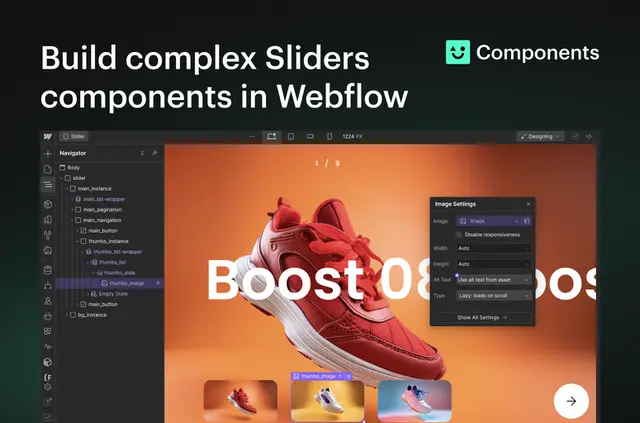
Webflow users who want JavaScript-based elements made through visual controls use Finsweet Components. They can choose a design from the component library or configure an element in the app without coding.
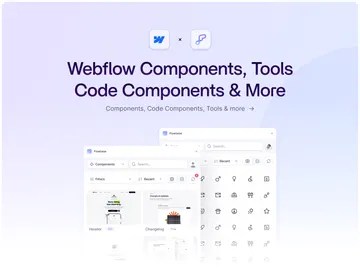
Options include sliders, marquees, Auto Tabs, Instagram and YouTube feeds, HTML tables, and number counters. Some components can draw on Webflow CMS content.
Things to keep in mind
Components are free to use on .webflow.io URLs for testing and staging. The app has a free option and paid plans. Human support is included for everyone.
Installing the app requires permission to edit custom code.
Who it suits
The app suits Webflow projects that need interactive components built with visual tools. Teams can style components in Webflow’s Styles panel and edit settings or preview results during development.
For CMS-based designs, sliders and marquees can use CMS content. Instagram and YouTube feeds support custom layouts and sliders; YouTube videos can play in a lightbox. Marquees can pause on hover and fade in when displayed.
Setting it up
Install Finsweet Components in Webflow, granting its requested custom-code editing permission. Then select a component layout from the library or configure a component visually in the app.
Style the component using Webflow’s Styles panel. Edit its settings and preview it during development.
Finsweet Components FAQ
Which permissions does Finsweet Components ask for?
It requests permission to edit custom code when installed in Webflow.
Can components be used on a .webflow.io site?
Yes. Components are free to use on any .webflow.io URL for testing and staging.
What pagination styles can sliders use?
Slider pagination options include bullets, progress bars, and fractions.
Can a marquee use CMS content?
Yes. Marquees can use CMS content, pause on hover, and fade in when displayed.
Can YouTube feed videos play in a lightbox?
Yes. YouTube videos can play in a lightbox, and the feed can use a custom layout or slider.