Add Components and Boosters with Flowbase Webflow App
Flowbase helps Webflow designers, freelancers, agencies, and developers build pages with reusable components and tools.
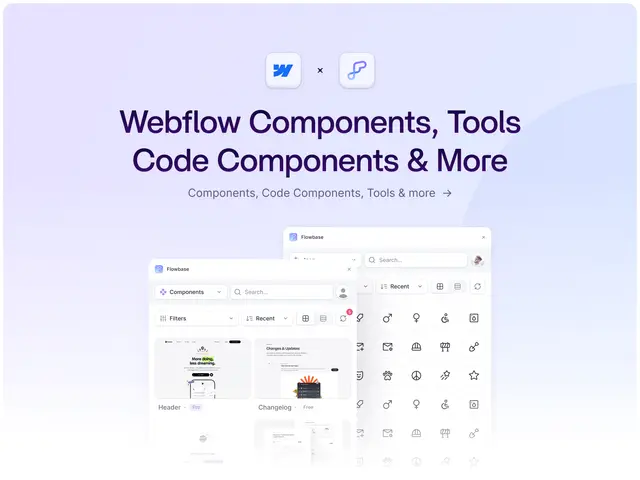
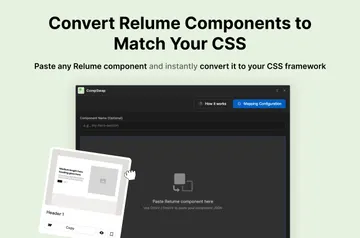
Building Webflow pages can mean creating common sections by hand, sketching layouts before design, and finding separate tools for added functions. Flowbase brings components, planning resources, icons, and boosters together for browsing and copying into projects.
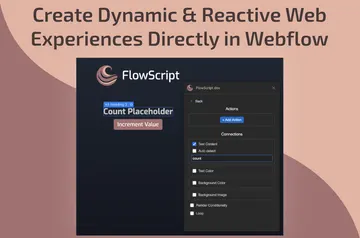
Its library covers navigation, pricing, forms, and footers, as well as low-fidelity layouts and tools for project cleanup. Boosters add features through scripts and attributes installed in Webflow.
What it asks for
Flowbase is listed as free. When installed, it requests permission to edit custom code and read sites and the user profile.
Where it fits
The library suits designers, freelancers, agencies, and developers working on landing pages, SaaS sites, portfolios, or agency websites. Its reusable page sections support common parts of those projects, while wireframes help with planning structure before detailed design.
The icon collection covers websites, dashboards, applications, and online stores. Flowbase is built for Webflow, and its developer website also describes components for Figma and Framer.
Things to keep in mind
Components are added with a copy-and-paste workflow. Boosters rely on scripts and attributes installed in Webflow, and the Webflow access request includes permission to edit custom code.
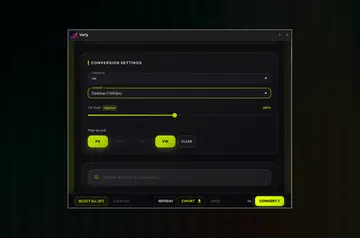
The library’s collections are described as growing, with resources added regularly. Webflow tools in the library can merge classes, sync variables, and help tidy projects.
Common questions
How do components get added to a Webflow project?
Browse the library, then copy and paste a component into the project.
What kinds of page sections are available?
Components cover sections such as navigation, pricing, forms, and footers.
Can Flowbase help plan a page before its design is finished?
Yes. Its wireframes and low-fidelity layouts help map out page structure before final design work.
What functions can the boosters add?
Boosters include tooltips, countdowns, carousels, age gates, and text animations, using scripts and attributes installed in Webflow.
What project tasks can the Webflow tools help with?
They can merge classes, sync variables, and help tidy Webflow projects.