Apps · Categories

Enhance Your Webflow Site with Top Webflow Development Apps

Discover top-rated Webflow Development Apps for enhancing your website's performance. Explore a range of tools to streamline your Webflow development process effectively.

53 apps · page 1 of 2

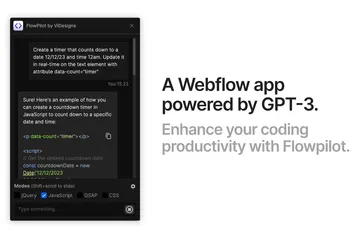
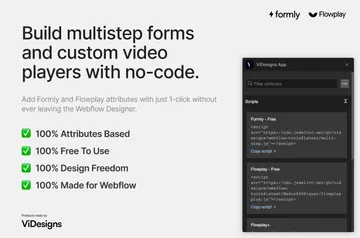
Flowpilot
Flowpilot Get coding and design help in the Webflow Designer, where Flowpilot brings chatbot assistance to your work.
Install app
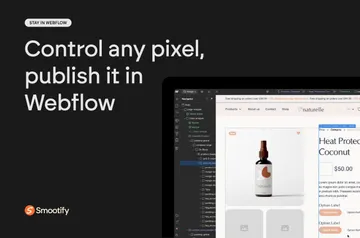
Smootify
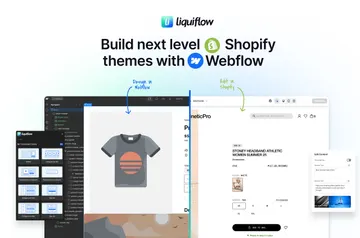
Smootify Build Shopify storefront pages in Webflow, then publish and update their designs from the Designer.
Install app
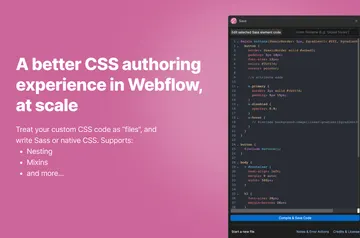
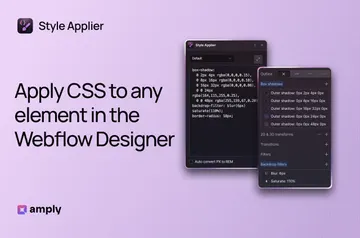
Sass
Sass Write custom CSS and Sass for a Webflow site, compile it in the browser, and preview it in the designer.
Install app
Modulo
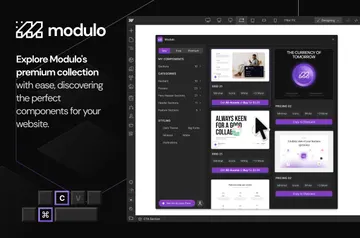
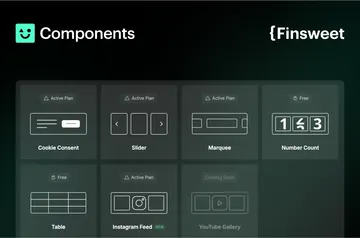
Modulo Modulo gives Webflow site owners pre-designed components they can use as project starters or add individually.
Install app
Class Merger
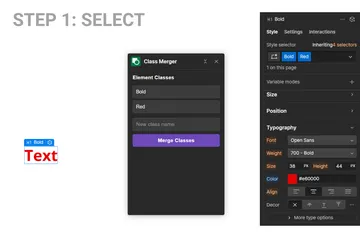
Class Merger Webflow site owners can consolidate a selected element’s classes into one named class while retaining responsive styles.
Install app
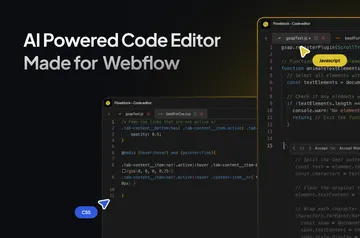
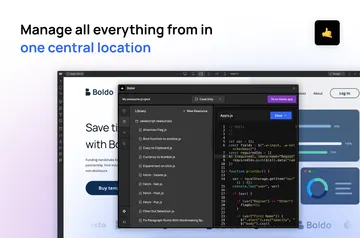
CodeBlock
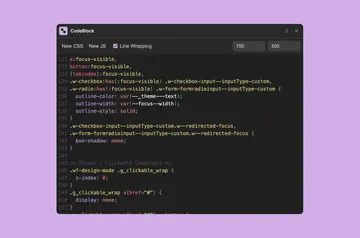
CodeBlock Add CSS or JavaScript to your Webflow site with an editor that formats code and stays available as you navigate.
Install app
HTML Viewer
HTML Viewer Inspect selected Webflow markup, follow its nested structure, and copy HTML directly from Designer.
Install app
HTMLtoflow
HTMLtoflow HTMLtoflow is for Webflow builders who want to turn raw HTML into elements for Webflow Designer.
Install app
Motionrow
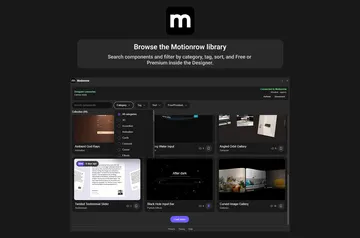
Motionrow A Webflow Designer component catalog, Motionrow lets site builders preview options and place them on a project canvas.
Install app
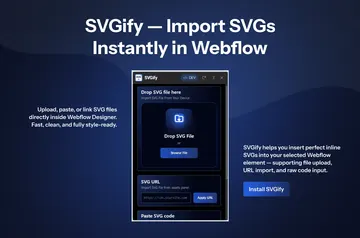
SVGify
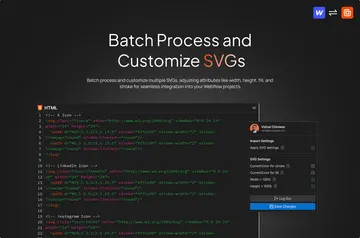
SVGify In Webflow Designer, SVGify imports vector graphics into the canvas element you select.
Install app
Wicked Components
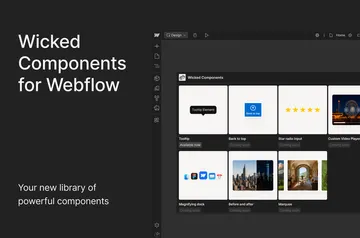
Wicked Components Wicked Components gives you adjustable interactive elements for Webflow, including tooltips and a control that scrolls to the top.
Install app
Zeltac Slider
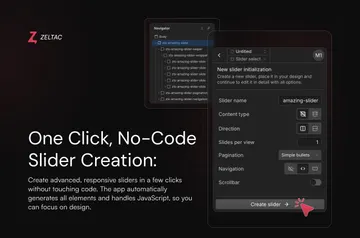
Zeltac Slider Create responsive Webflow sliders from page content or CMS items, with layout and controls you can set in Designer.
Install app
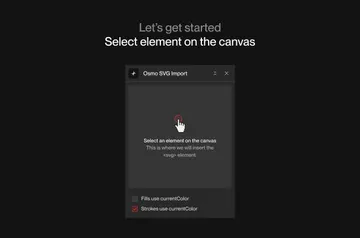
SVG Import
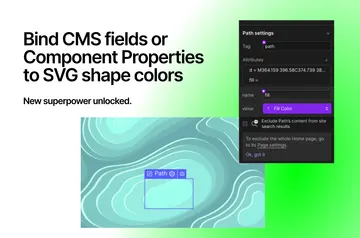
SVG Import Paste SVG code into Webflow with SVG Import to create native, editable elements in your project.
Install app
Htflow
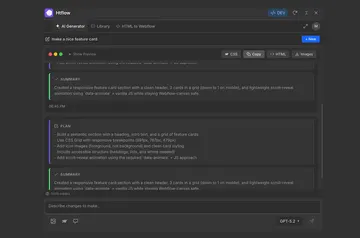
Htflow Htflow works in the Webflow Designer to generate sections and full sites that become editable native elements.
Install app
CompSwap
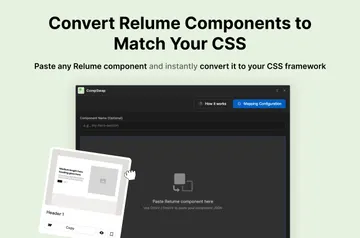
CompSwap Convert third-party components to your project’s Webflow classes and tokens, then copy them into your site.
Install app
Flowbase
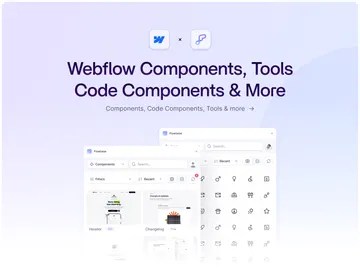
Flowbase Flowbase helps Webflow designers, freelancers, agencies, and developers build pages with reusable components and tools.
Install app
Scaffold
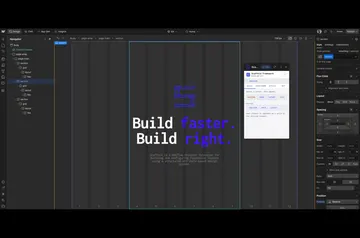
Scaffold Scaffold helps Webflow teams and developers build attribute-based layouts and configure elements in Designer.
Install app
Varly
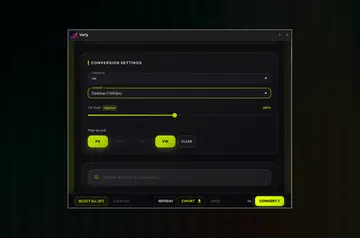
Varly Webflow designers and developers can use Varly to change pixel-based variables into responsive units.
Install app
Miyagi
Miyagi For Webflow site owners, Miyagi’s AI agents take on design, coding, and content tasks inside projects.
Install app
Wized
Wized Give a Webflow site application logic, connected data, and controls for different user access.
Install app
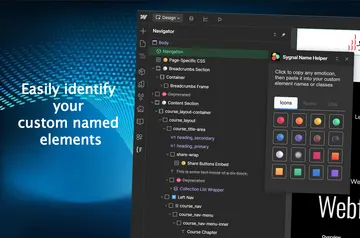
Attriflow
Attriflow Use Attriflow inside Webflow Designer to manage HTML attributes and classes while you work on a project.
Install app
301Hero
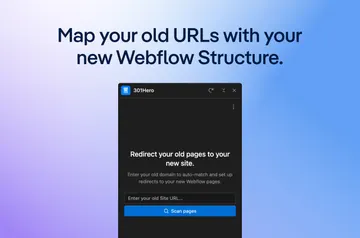
301Hero 301Hero is a Webflow Designer Extension for creating and maintaining project redirects where you edit your site.
Install app
Flowblock
Flowblock Edit JavaScript and CSS in Webflow, with code suggestions and an AI assistant built into the Designer.
Install app
Slater
Slater Add custom JavaScript to your Webflow project through its code footer, then use Slater to write and test it.
Install app
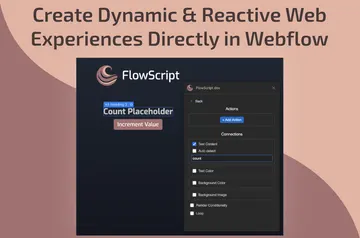
FlowScript.dev
FlowScript.dev Site visitors get Webflow pages that respond to interactions and update their content as page state changes.
Install app
Xano
Xano Connect Xano to your Webflow site to build APIs, manage backend data and send results to your pages.
Install app
Jetboost
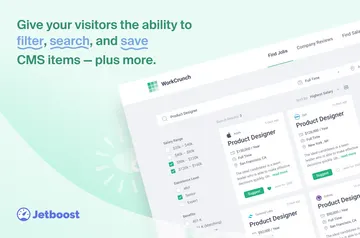
Jetboost Add no-code tools for searching, sorting, mapping, and saving Webflow CMS collection items.
Install app
Apico
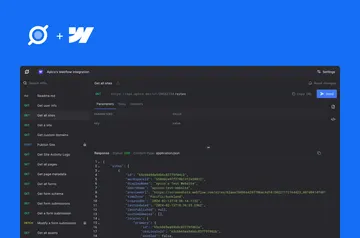
Apico Build internal tools and applications with Webflow data through Apico’s no-code API and automation tools.
Install app
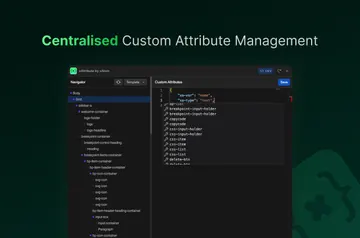
xAttribute
xAttribute Webflow teams use xAttribute to organize custom attributes and reuse the same setups across projects.
Install app

No longer on Webflow

Webflow has removed these, so they can't be installed any more. Their pages list similar apps.