Enhance E-commerce Designs with Looops Webflow Shopify App
Looop seamlessly integrates Shopify's e-commerce into Webflow for visually stunning online stores.
About app
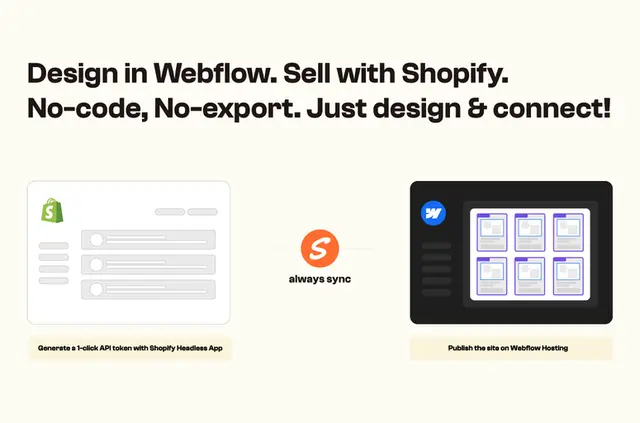
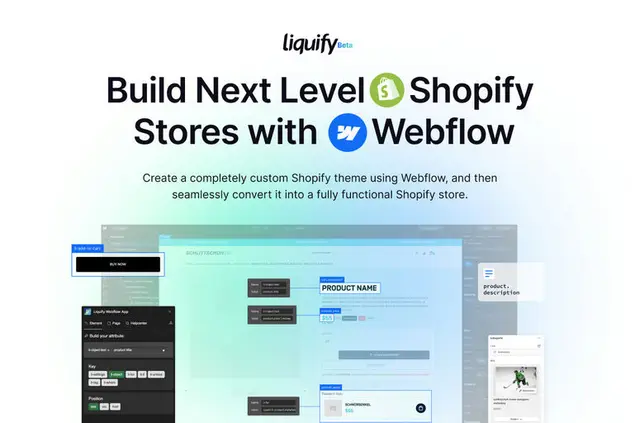
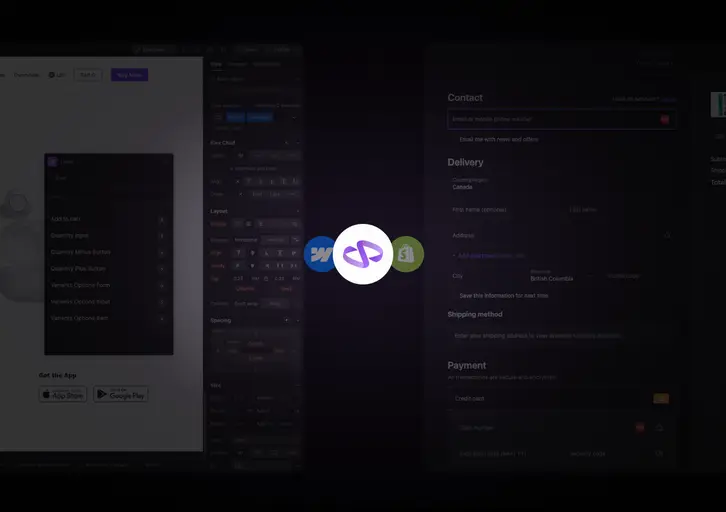
- Looop is an app that seamlessly integrates Shopify's e-commerce functionality into Webflow, allowing users to create visually stunning online stores without needing to write any code.
- The main features of Looop include syncing Shopify data directly into the Webflow CMS, making it easy to manage products, variations, collections, and more within Webflow.
- Looop is SEO-friendly, allowing users to customize elements for search engine optimization while maintaining a beautiful storefront design.
- Users can leverage Looop and Shopify Markets to display prices in local currencies and tailor product visibility for different regions, all without leaving the Shopify platform.
- Looop offers a range of pricing plans, including a free option on webflow.io domains and upgraded plans with additional features like live inventory tracking and custom domains.
- Setting up Looop is simple, with users only needing to add a script and custom attributes to their e-commerce components. It is also compatible with various Shopify backend apps for enhanced flexibility.
- Looop eliminates the need for code exports and offers a user-friendly dashboard, instant data sync, and access to both Shopify and Webflow features, resulting in an efficient and hassle-free process for creating standout online stores.
Benefits:
- Efficiency: By eliminating the need for code exports and simplifying the setup process, Looop streamlines the creation and management of e-commerce stores on Webflow.
- Performance Improvements: With real-time inventory sync and SEO-friendly design options, Looop helps optimize the performance and visibility of online stores.
- User Experience: The ability to blend Webflow's design capabilities with Shopify's e-commerce functionality results in visually appealing and functional storefronts that enhance the user experience.
- Flexibility: Looop allows users to tailor their online stores for global audiences, customize product visibility, and integrate with various third-party Shopify apps for added flexibility.
Drawbacks/Improvement Areas:
- Learning Curve: Users unfamiliar with Webflow or Shopify may require some time to get accustomed to using Looop effectively.
- Complexity: Managing both a Webflow and Shopify account simultaneously may introduce complexity for some users, especially when customizing attributes and settings.
Key Points and Benefits:
- Blend Shopify's e-commerce power seamlessly into Webflow.
- Sync Shopify data directly into Webflow CMS.
- Create visually stunning and SEO-friendly storefronts.
- Tailor online stores for global audiences and manage real-time inventory.
- Pricing plans cater to different user needs, from free to premium options.
- Simplified setup process and compatibility with Shopify backend apps.
Recommendation:
- Webflow designers and developers looking to create sophisticated, visually appealing online stores with robust e-commerce functionality would benefit the most from using Looop.
- Best use cases include setting up online shops for small businesses, startups, or individuals who prioritize design and user experience without compromising on e-commerce capabilities.