Streamline Secure Payment Forms with Form Payments Webflow App
Form Payments is for Webflow site owners who want to take payments through forms they design in Webflow.
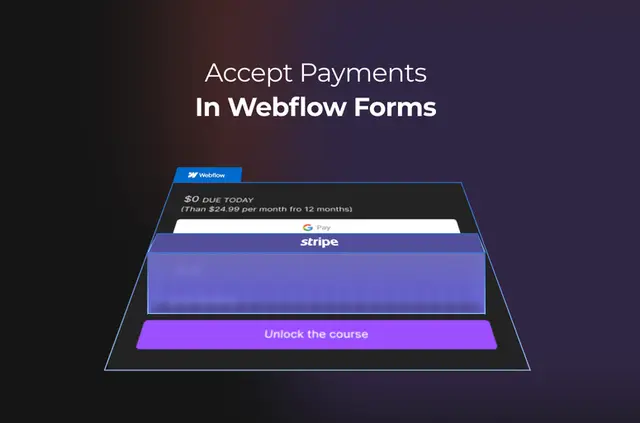
Form Payments is an app that adds Stripe payment processing to Webflow Forms. You can create forms for collecting payments, donations, subscription payments, or product orders.
It connects with a Stripe account you already have. You design the form in Webflow, and its payment fields can follow your site's visual style.
Features worth knowing
- Create Webflow forms for payments, donations, recurring subscriptions, or product sales.
- Style payment fields to fit the design of your site.
- Offer Apple Pay, Google Pay, and Link Pay through Stripe express elements.
- Show Stripe errors and successful payment messages in Webflow form states.
From install to first use
Installation requires adding a code snippet to your Webflow project. Connect the app to your existing Stripe account, then use Webflow to design a form for the payments you want to collect.
Access and pricing
The app has a free option and paid plans, with no subscriptions. It starts with a 1% transaction fee; a one-time payment option can lower or remove that fee.
When installed, it can edit your pages, custom code, sites, and site settings, and read your user profile. A Webflow Ecommerce plan is required.
Questions about Form Payments
Who is the developer behind Form Payments?
Form Payments is made by thind.dev.
What happens when a Stripe payment succeeds or fails?
Stripe errors and successful payment messages appear in Webflow form states.
Do I need a Stripe account to use the app?
Yes. Form Payments connects to an existing Stripe account.