Collect Online Payments with Stripe Webflow App
Stripe works in Webflow to manage products and Payment Links and collect payments on published sites.
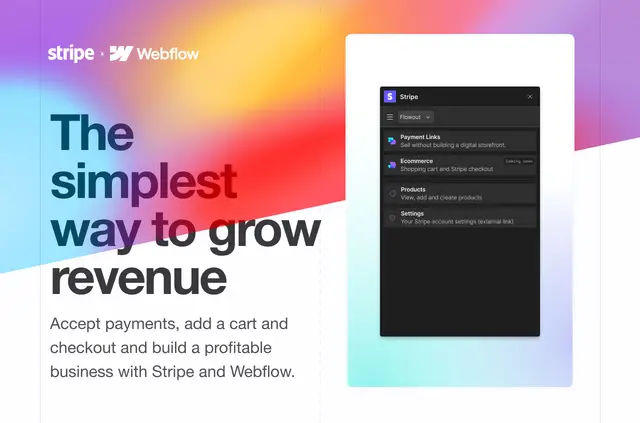
Stripe for Webflow brings payment tasks into the Webflow workflow. Businesses can create and manage Stripe products, then make and embed Payment Links on their sites.
Flowout made the app for creators, entrepreneurs and businesses selling downloads, physical products or professional services. Carts are described as coming soon.
How setup works
Install Stripe for Webflow, then use it to create or manage Stripe products and Payment Links. Embed Payment Links in the Webflow site to offer a way to pay.
When it's a good fit
The app suits Webflow projects that sell digital downloads, physical goods or professional services. It connects a business’s Stripe products and Payment Links with its Webflow website, supporting payment collection without custom code.
Questions about Stripe
Do I need to code to use Stripe?
No. Businesses can add payment collection to a Webflow site without writing code.
What can Stripe access in my Webflow account?
It can edit CMS content and read your user profile.
Does Stripe work with Webflow CMS collections?
The app requests permission to edit CMS content in Webflow.
Can I create Stripe products from Webflow?
Yes. The app lets users create and manage Stripe products from Webflow.
Can I add a Stripe Payment Link to a Webflow site?
Yes. Users can create, manage and embed Stripe Payment Links in Webflow.