Add Online Booking for Services and Events with Bookla Webflow App
Bookla helps service businesses, consultants, and professionals let visitors book through a Webflow site.
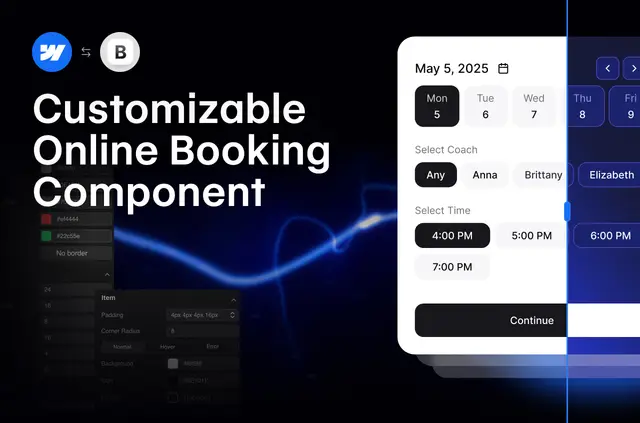
Visitors can schedule services, classes, or ticketed events on your website using Bookla’s online booking widget. Its Webflow component uses the Bookla API to handle bookings.
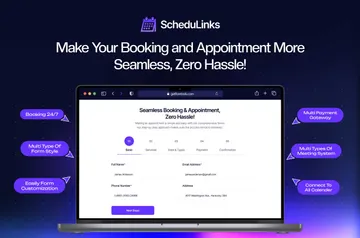
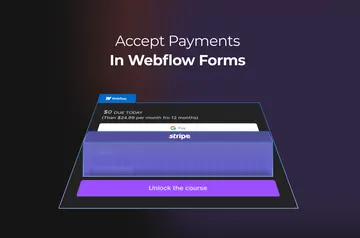
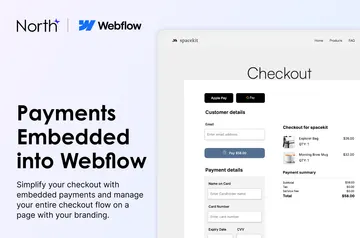
You can customize the widget’s appearance and wording, collect extra client details, and take online payments through multiple gateways. Guest checkout lets customers book without an account.
Features worth knowing
- Set fixed or flexible durations, group capacity limits, or ticket-based event bookings.
- Change colors, borders, fonts, and text, with support for wording in multiple languages.
- Gather extra client information with custom forms and accept payments through multiple gateways.
Getting started in Webflow
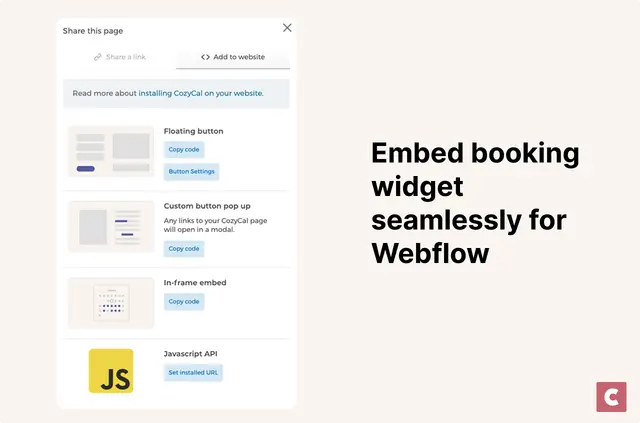
Install the component, then select a region and enter your API Key, Company ID, and Service ID in its panel. After adding those details, place the booking component on the Webflow canvas to use it on your site.
Who it suits
Bookla is suited to sites for service businesses, consultants, and professionals who want customers to book online. It also connects with Slack, Google Sheets, and Google Calendar, and is listed with a free option and paid plans.
Common questions
What details do I need to configure the booking component?
Select a region and provide an API Key, Company ID, and Service ID in the component panel.
Can customers book without an account?
Yes. Guest checkout lets customers make a booking without creating or using an account.
Can I change the booking widget’s text and appearance?
Yes. You can edit colors, borders, fonts, and text, including wording in multiple languages.
What booking options can I configure?
The component supports fixed or flexible durations, group capacity limits, and ticket-based events.
Which Webflow permissions does Bookla need?
Bookla can edit custom code and read sites and your user profile.