Manage Service Bookings & Appointments with FlowBookings Webflow App
Add appointment booking to a Webflow site with forms, service management, payment options, and booking reports.
Webflow businesses that take appointments can build a booking flow on their site with FlowBookings. Healthcare providers, personal trainers, and photography studios are among the businesses it suits.
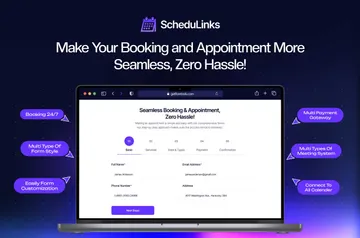
The app uses Webflow form elements, so forms can be styled with Webflow’s design tools. It is listed with a free option and paid plans.
Features worth knowing
- A form-builder wizard helps create booking forms for Webflow pages.
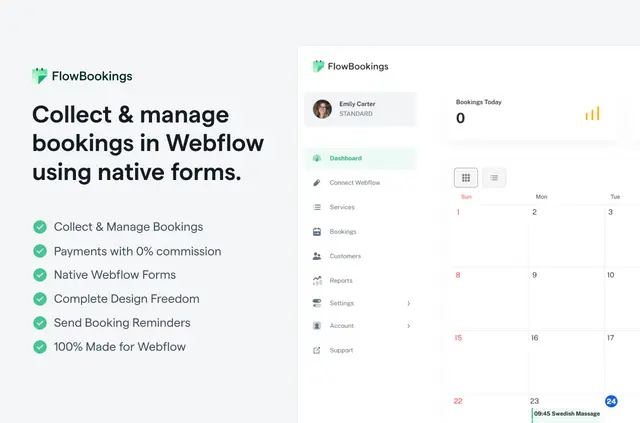
- The dashboard tracks services, customers, booking statuses, and upcoming appointments in a calendar.
- Automated emails cover new bookings, status changes, and upcoming appointments.
- Reports summarize booking activity, revenue, and booking statuses.
What you can do with it
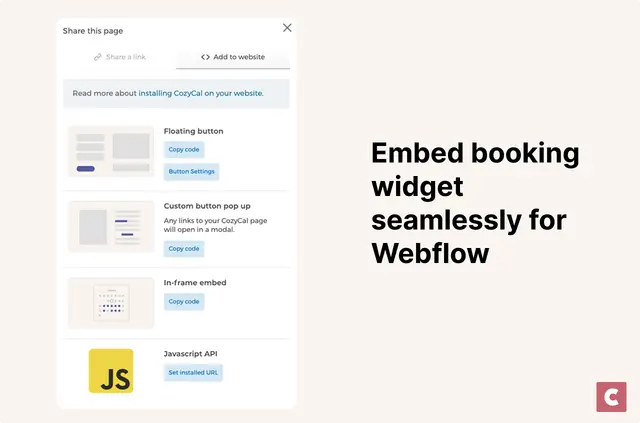
In a Webflow project, create services, install the app, build a booking form, and add it to a site page. Visitors can then submit appointment bookings through the website.
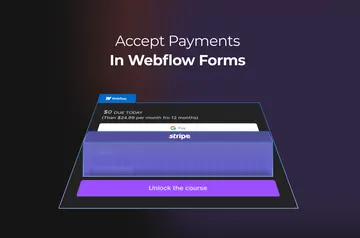
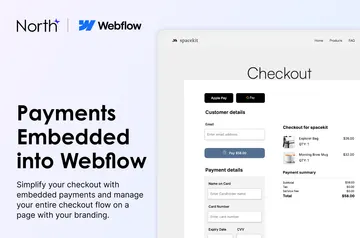
For payments, connect a Stripe account using its account keys, or select offline payments. FlowBookings charges no commission on booking payments.
Quick answers about FlowBookings
How do you install FlowBookings in Webflow?
Install the Webflow app, create services, build a booking form with the wizard, and place the form on a site page.
Can I style the booking form to match my Webflow site?
Yes. FlowBookings uses native Webflow form elements, which can be styled with Webflow’s design tools.
Can customers pay when they book?
Yes. Connect Stripe with your account keys to collect payment during booking, or offer offline payments. FlowBookings charges zero commission on booking payments.
What can I track after bookings come in?
The dashboard lets businesses manage customers, services, bookings, and their statuses, and view upcoming appointments on a calendar. Reports summarize booking activity, revenue, and statuses.