Manage Appointment Scheduling with ScheduLinks Webflow App
Solo providers and appointment teams use ScheduLinks to organize services, availability, payments, and client bookings in Webflow.
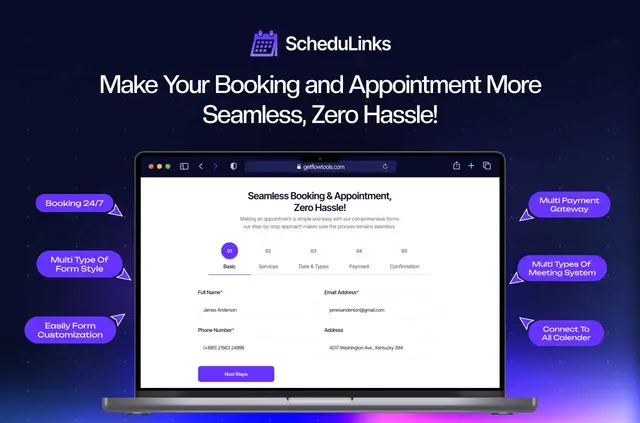
Businesses that take virtual or in-person appointments can use ScheduLinks to manage services, providers, schedules, payments, and client bookings. The app is made by Flowzai.
Solo operators and teams can configure the booking flow without writing code.
How setup works
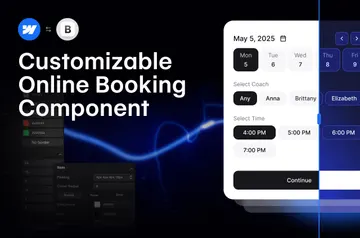
Install ScheduLinks in Webflow, then configure its booking flow without code. Create services and providers, and set each provider’s schedule and availability.
For each service, configure meeting length, time zone, working hours, breaks, and blackout dates. Virtual appointments can have meeting links generated automatically.
Who gets the most out of it
ScheduLinks suits Webflow sites for solo businesses and teams that offer appointments remotely or face to face. It allows unlimited services and providers, with individual availability settings for each provider.
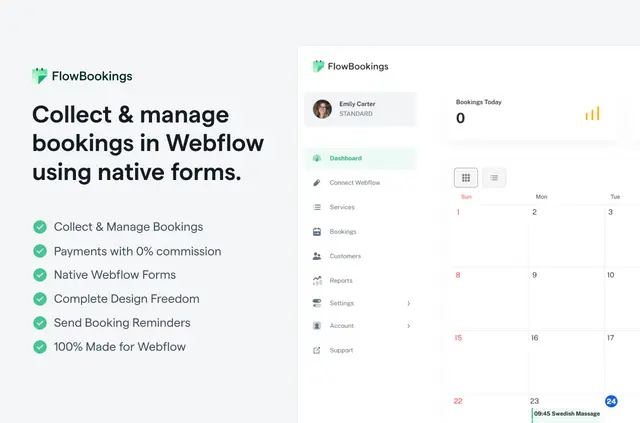
The app can connect bookings with Google, Outlook, and other calendars. It also handles payments through multiple gateways and currencies, generates invoices, and reports on bookings, revenue, providers, and customer trends.
Before you install
ScheduLinks is listed as paid. Its Webflow access allows it to edit custom code and sites, and read your user profile.
Questions about ScheduLinks
Can ScheduLinks handle both online and in-person appointments?
Yes. It supports virtual and in-person appointments, and can generate meeting links for virtual bookings.
Can providers have different availability?
Yes. Each provider can have an individual schedule and availability settings.
Which calendars can I connect to ScheduLinks?
Bookings can be synchronized with Google Calendar, Outlook, or other calendars.
How are clients and providers notified about appointments?
The app sends booking reminders to both parties by email and SMS.
Can ScheduLinks create invoices and business reports?
Yes. It automatically creates invoices for bookings and provides reports covering bookings, revenue, providers, and customer trends.