Schedule CMS Updates and Site Publishes with Publish Pilot Webflow App
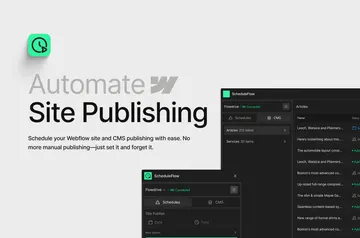
Schedule CMS changes, CSS updates, and full-site publishes for your Webflow project.
Freelancers, small businesses, marketing teams, agencies, and content teams use Publish Pilot to plan Webflow site updates. You can set CMS content, styling changes, and full-site publishes to run at chosen times.
Made by Brandzway, the app is set up in three steps and requires no code. Its calendar organizes scheduled actions, while execution logs and alerts report successful runs and errors.
Setting it up
Install Publish Pilot and grant the Webflow access it requests: permission to edit CMS, custom code, ecommerce, and sites, plus permission to read your user profile.
The setup takes three steps and does not require code. After setup, you can schedule actions and review them in the calendar.
What it handles
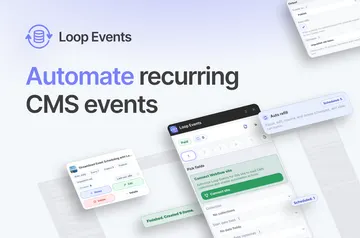
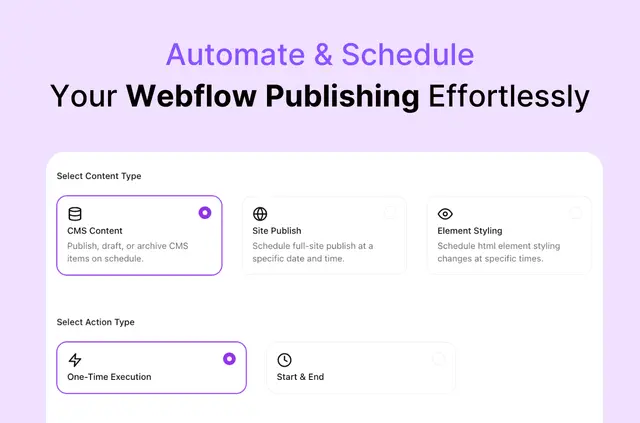
For CMS items, choose whether an item should publish, be archived, or become a draft, and set the time. Schedules can run once or recur daily, weekly, or monthly, with start and end times. You can also set a full-site Webflow publish for a selected time.
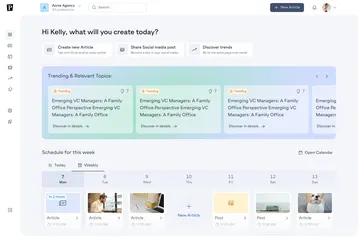
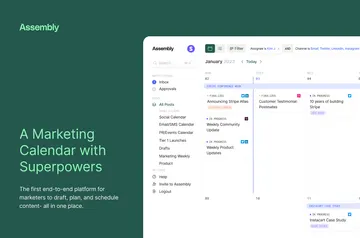
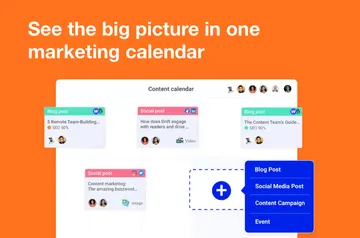
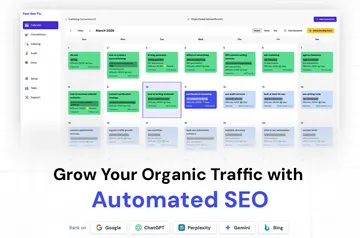
For styling, schedule CSS changes that target a class or ID selector. Adjust properties such as visibility, display, and colors. Use Agenda, Weekly, or Monthly calendar views to see scheduled actions; logs and alerts show how each run went.
Quick answers about Publish Pilot
Does Publish Pilot work with Webflow Ecommerce?
Publish Pilot requests permission to edit Webflow ecommerce when installed. It also requests edit access to CMS, custom code, and sites.
Can I schedule a CMS item to become a draft?
Yes. You can schedule a CMS item to publish, be archived, or become a draft at a chosen time.
Can I schedule CSS changes by class or ID?
Yes. You can target a class or ID selector and schedule changes to properties such as visibility, display, and colors.
How can I review scheduled work and its results?
The calendar has Agenda, Weekly, and Monthly views. Execution logs and alerts report outcomes, including successful runs and errors.