Enhance Deployment Control with Wes - Webflow App for Enterprise
Deploy Webflow builds in your own environment with tailored server-side settings and publishing controls.
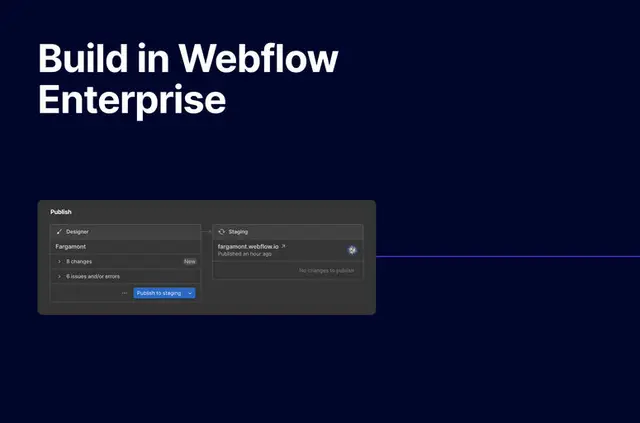
Without Wes, you may need manual steps or separate tools to move Webflow builds into your environment, coordinate release timing, or restore earlier work. Wes brings customized deployment processes and version control to that workflow.
You can publish an individual page without redeploying the full build, and use change reports to see updates.
What it handles
Wes supports tailored server-side configurations and deployments for Webflow Enterprise organizations. Your team can deploy builds to its own environment, with options for GDPR-specific server deployment and customizable CDN hosting.
For site governance, locked CSS helps prevent unauthorized style edits. Server-side code injections can combine Webflow code with other systems, and a unified site map can bring multiple Webflow instances together.
The main tools
- Change detection reports updates, while version control can restore a page, section, or whole build.
- Per-page publishing lets you update one page without redeploying the complete build.
- A managed release schedule helps teams coordinate when deployments happen.
- Customizable CDN hosting and GDPR-specific server deployment support different hosting requirements.
Access and pricing
Wes is paid and available only to customers on a Webflow Enterprise Plan. When installed, it can edit custom code and read CMS, pages, sites, and your user profile.
Questions about Wes
Can agencies use Wes on client sites?
Wes is available to organizations with a Webflow Enterprise Plan, and supports deploying Webflow builds into their own environments.
Does Wes work with Webflow CMS collections?
Wes can read CMS when installed.
Can I restore an earlier version of a section?
Yes. Wes version control can restore a page, a section, or a complete build.
Can I publish one page without deploying the whole site?
Yes. Per-page publishing lets your team update an individual page without redeploying the full build.