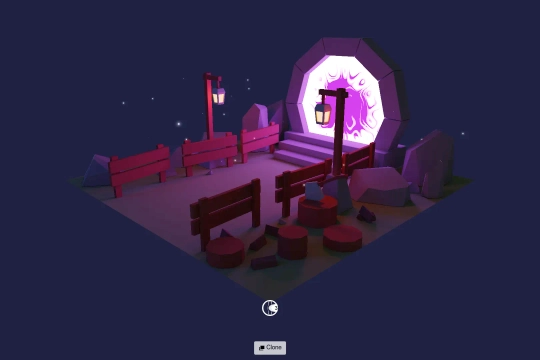

What is GLTFLoader.js?
GLTFLoader.js is a JavaScript module from Three.js that enables loading and displaying 3D models in the glTF (GL Transmission Format) format. It supports both JSON (.gltf) and binary (.glb) formats, allowing efficient rendering of 3D assets with textures, animations, and materials. This loader is commonly used in Webflow projects to integrate interactive 3D models into websites. By leveraging Three.js and GLTFLoader.js, developers can create immersive web experiences with optimized performance and realistic graphics.
What are some effective ways to integrate GLTF models using GLTFLoader.js in Webflow?
To integrate GLTF models using GLTFLoader.js in Webflow, first, add a custom embed element to your Webflow project and include the Three.js and GLTFLoader.js scripts via a CDN. Use a <canvas> element or a container div as the scene holder. Initialize a Three.js scene, camera, and renderer in custom code, then load your GLTF model using GLTFLoader. Position and animate the model as needed. Finally, ensure responsiveness by adjusting the camera and renderer settings based on viewport size. This setup allows seamless 3D model integration while maintaining Webflow’s design flexibility.
What are the best Webflow cloneables that utilize GLTFLoader.js for 3D model rendering?
There are no listed Webflow cloneables explicitly utilizing GLTFLoader.js for 3D model rendering. However, the provided cloneable, "Create Stunning GLSL Visual Effects with Webflow Cloneable" (View Cloneable), focuses on GLSL visual effects rather than GLTFLoader.js for loading 3D models.
If you are specifically looking for Webflow cloneables that implement GLTFLoader.js, I recommend exploring Webflow projects that integrate Three.js or custom JavaScript solutions for real-time 3D asset rendering. Let me know if you need help finding such resources!