Send Optimize Data to Segment with Twilio Segment for Webflow Optimize
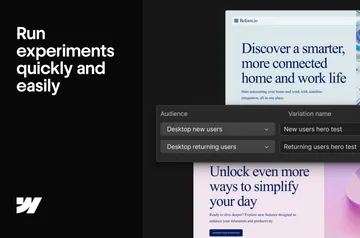
In Webflow Optimize, send experiment activity to Twilio Segment when your site displays a live test variation.
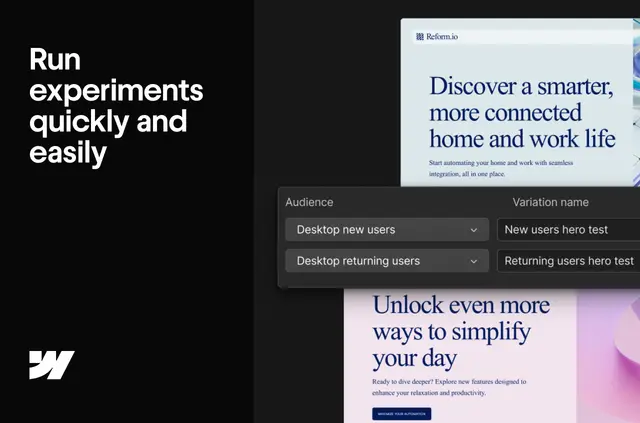
Your Twilio Segment workspace can receive a view event from Webflow Optimize as a visitor is shown an active test or optimization. This puts experimentation activity alongside customer data in Segment.
The integration is for Webflow Optimize Enterprise customers. Webflow recognizes a Twilio Segment snippet already on your site, so you do not need to add code or configure it manually.
From install to first use
Webflow Optimize Enterprise customers can install the integration through Webflow’s help documentation. Once installed, it can send view events using the detected Twilio Segment snippet.
If your Segment setup uses another default event name, you can change the name used for these events.
Who it suits
Choose this integration if your team runs experiments in Webflow Optimize and wants their data with customer data in Twilio Segment. It is intended for projects on Webflow Optimize Enterprise.
Twilio Segment for Webflow Optimize in practice
The app sends an Optimize view event to Twilio Segment to record exposure to a live variation or optimization. Events follow Segment’s standardized A/B testing schema.
Each event is marked non-interactive, helping keep it from changing bounce-rate metrics in downstream tools.
Common questions
Which plan supports this integration?
It is available to Webflow Optimize Enterprise customers only.
Do I need to add code to my Webflow site?
No. Webflow detects an existing Twilio Segment snippet, so you do not need extra code or manual configuration.
What does the event record?
It records that a visitor was exposed to an active Webflow Optimize variation or optimization.
What event format does it use?
Events use Twilio Segment’s standardized A/B testing schema.
Will the events affect bounce-rate metrics?
They are marked non-interactive to avoid affecting bounce-rate metrics in downstream tools.