Test Pages for Conversions with Optibase Webflow App
Webflow teams use Optibase to test page changes, study visitor behavior, and tailor site experiences.
Teams building Webflow sites use Optibase to compare page variations, examine visitor activity, and adapt content for different audiences.
Made by Flowout, it places experimentation and behavioral analysis in the Webflow Designer, where teams can set up tests without writing code.
What you can do with it
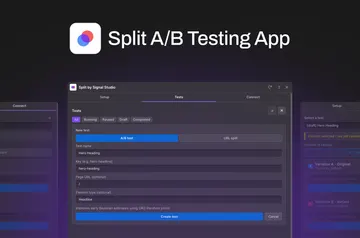
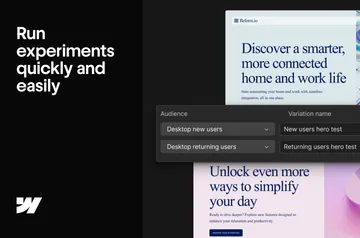
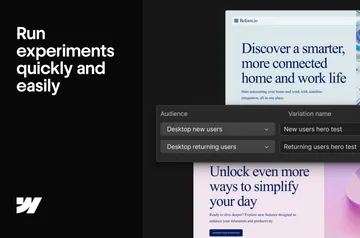
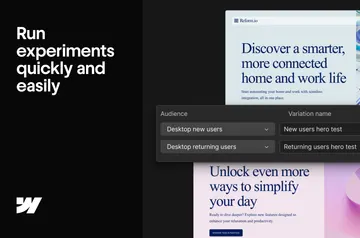
Run A/B, split URL, or multivariate experiments to compare page elements or separate URLs. Tailor content according to a visitor’s location, device, browser, UTM source, or status.
Heatmaps reveal click, scroll, and focus patterns, and session recordings replay visitor journeys. Track clicks and form activity, along with page views, scroll depth, time on page, and custom events. Teams can configure conversion goals without a tag manager or developer assistance.
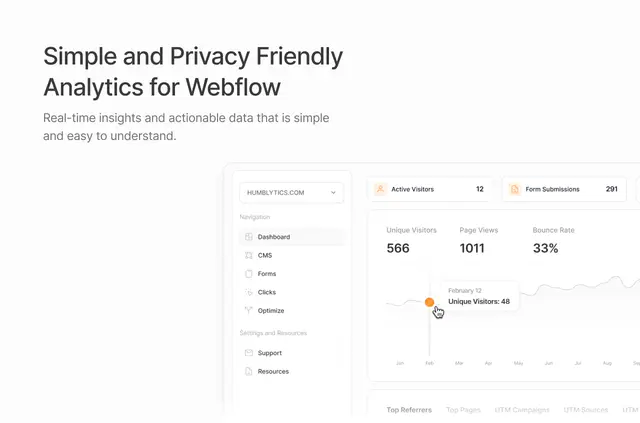
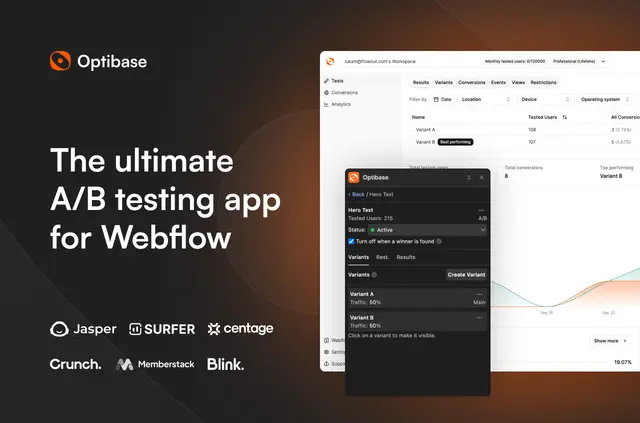
A live dashboard shows experiment performance, conversion rates, and traffic, with filters for visitor and device attributes. AI traffic splitting changes the share assigned to each variant in real time, directing more visitors toward the better-performing option. Send experiment data to Google Analytics 4, Mixpanel, or HubSpot, or use the Open API.
Access and pricing
Optibase offers a free option and paid plans. Installation requests permission to edit custom code and sites, and to read the user profile.
Quick answers about Optibase
Can teams build tests inside Webflow?
Yes. A/B, split URL, and multivariate experiments can be created in the Webflow Designer without code.
How does Optibase allocate visitors across test versions?
Its AI traffic-splitting feature adjusts visitor allocation in real time toward the better-performing variant.
Can conversion goals be set up without developer help?
Yes. Conversion goals can be configured without tag managers or assistance from a developer.
Can the dashboard filter experiment results?
Yes. The live dashboard includes filters for visitor and device attributes.
Does Optibase provide an API for experiment data?
Yes. Optibase offers an Open API, and experiment data can be sent to Google Analytics 4, Mixpanel, and HubSpot.