Track Tests in GA4 with Google Analytics 4 for Webflow Optimize
For Webflow teams measuring experiments, Google Analytics 4 for Webflow Optimize sends variation views to GA4.
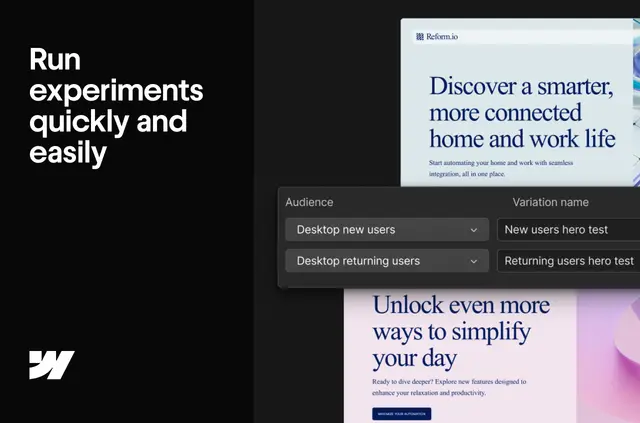
On the published site, Google Analytics 4 for Webflow Optimize sends activity to GA4 when visitors see a live variation or optimization. Teams can analyze experiment activity with their other site analytics.
The app links Webflow Optimize and Google Analytics 4. Teams can configure GA4 with a detected Measurement ID or choose specific properties and streams.
Limits to know
This integration is available only on Webflow Enterprise plans. Configuration supports projects with a single GA4 property or multiple properties, with specific streams selectable manually.
What you can do with it
When visitors see a live variation or optimization, the integration sends a view event automatically. GA4 records variation_viewed for each variation and optimization combination applied to a page.
Teams can use GA4’s Realtime view to watch integration events arrive. This lets them review experimentation activity alongside other analytics in GA4.
Quick answers about Google Analytics 4 for Webflow Optimize
Does Google Analytics 4 for Webflow Optimize suit client projects?
It can suit client projects where teams want experimentation data alongside other GA4 analytics. The integration is available only on Webflow Enterprise plans.
Can I check whether events are reaching GA4?
Yes. GA4’s Realtime view lets teams see integration events as they arrive.
Can I choose which GA4 property and stream to use?
Yes. Teams can manually select specific GA4 properties and streams, or configure GA4 using a detected Measurement ID.