Check Website Spelling & Links with TripleChecker Webflow App
TripleChecker helps Webflow site owners and agencies find writing errors and broken links across their websites.
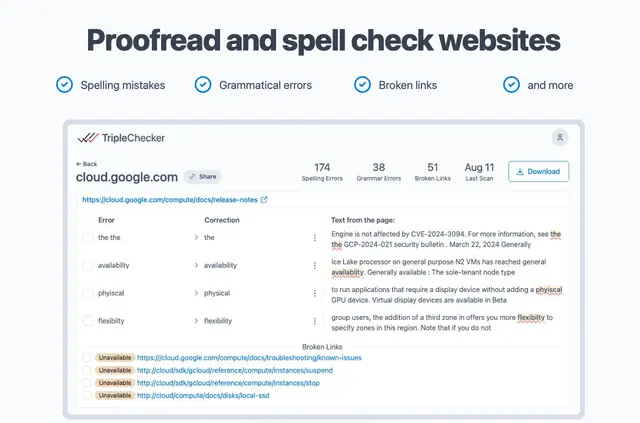
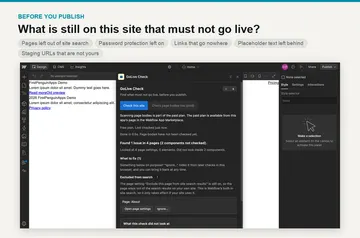
Use TripleChecker to proofread your website for misspellings, typing mistakes, grammar problems and broken links. Its report pairs each finding with the page it affects and a proposed correction.
It suits company websites, blogs and online stores managed by owners or agencies, and works with sites from 5 to 5,000 pages.
How setup works
Install the Webflow app, then proofread your website to get started. Once you have addressed the reported issues, you can run another proofread.
Permissions to expect
When you install TripleChecker, it asks for permission to read your Webflow pages and sites, as well as your user profile. These are the access permissions described for the app.
TripleChecker FAQ
What does TripleChecker look for?
It checks website copy for spelling and grammar problems, as well as broken links.
What details does the report include?
For every issue it finds, the report gives the relevant page and a suggested correction.
Can I proofread my site again after making fixes?
Yes. You can run another proofread after correcting the reported issues.
Can I receive alerts about newly found issues?
Yes. Email notifications tell you when new spelling errors or broken links are found.
How large a website can TripleChecker handle?
It supports websites with 5 to 5,000 pages.