Answer Visitor Questions Using AI with Massively.ai Webflow App
Massively.ai gives Webflow site owners a chatbot for answering visitor questions and qualifying prospective customers.
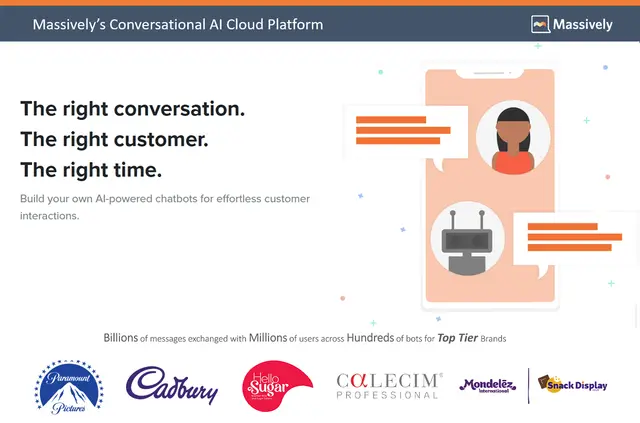
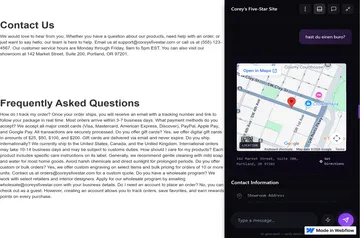
After setup, website visitors can ask questions in a GPT-powered chat and receive responses based on the site’s content. Massively.ai reads material such as product and service details, FAQs, and pricing to create replies.
The chatbot can also collect contact information and qualify potential customers. When a person needs to take over, the conversation can be transferred with its context preserved.
How setup works
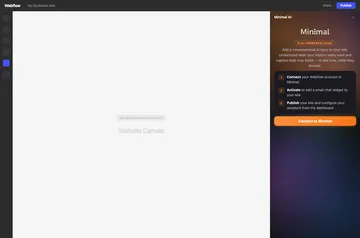
Getting started begins with entering a website URL. Massively.ai reads the site’s content, then can deploy the chatbot to a Webflow site automatically.
Access and pricing
The free plan allows 50 chats per month; paid plans begin at $15 per month. Massively.ai is offered with both a free option and paid plans.
Installation requests permission to edit Webflow pages, custom code, and sites. It also requests permission to read the user profile.
What's included
- Conversations can take place through Webflow, Instagram, Facebook Messenger, and SMS.
- DM Canvas shows a swipeable visual storefront inside Instagram and Facebook DMs.
- A human agent can receive an ongoing conversation with its context intact.
- Massively.ai connects with Shopify, Zendesk, HubSpot, Salesforce, Zapier, and Google Analytics.
Common questions
Can non-developers use Massively.ai?
Setup begins by entering a website URL, and the chatbot can be deployed to Webflow automatically.
Where do I use Massively.ai once it's installed?
It supports conversations on Webflow, Instagram, Facebook Messenger, and SMS.
What information can the chatbot use to answer visitors?
It draws on website content, including details about products, services, FAQs, and pricing.
Can a conversation be passed to a person?
Yes. A conversation can be handed to a human agent while keeping its context.