Answer Questions from Site Content with Ansera Search Webflow App
Give visitors answers from your Webflow site with Ansera Search, without building a scripted chat flow.
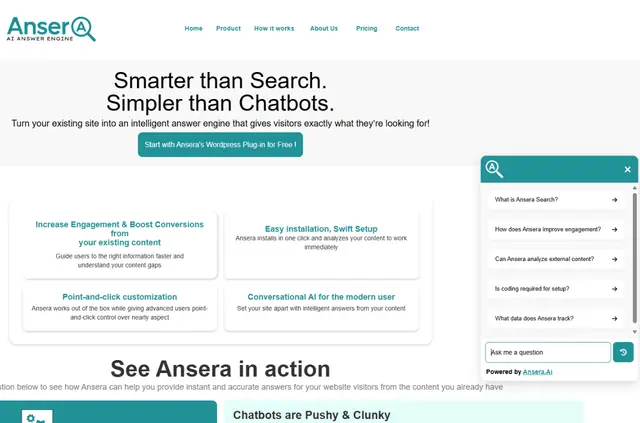
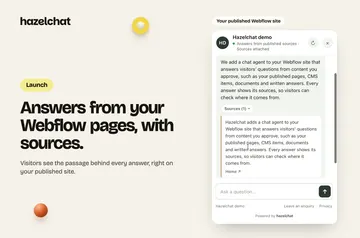
Help visitors find information by letting them ask questions in their own words. Ansera Search uses content from your website to produce answers rather than showing only a list of search links.
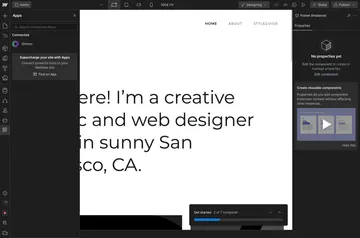
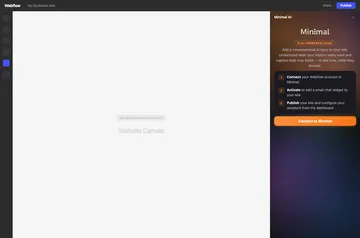
Install it through the Webflow Apps marketplace without writing code, then select the pages it should learn from. Its knowledge updates as your site content changes.
The main tools
Choose how search fits into your site and use visitor questions to guide what you improve.
- Add YouTube or Vimeo videos, presentations, and PDFs as sources alongside selected website pages.
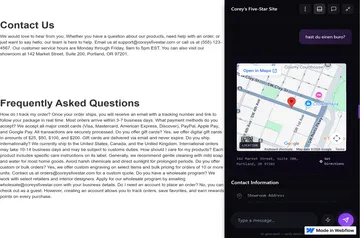
- Show the search widget as a floating box or a header icon, and customize its appearance.
- Offer suggested questions, email search results, or add lead-generation forms.
- Review visitor questions in the analytics dashboard to spot possible gaps in your site content.
Before you install
Ansera Search is listed as free and is made by Ansera's Workspace. When installed, it can edit custom code and sites, and read CMS, pages, assets, components, and site settings.
Ansera Search FAQ
Do I need to write code to install Ansera Search?
No. You can install it from the Webflow Apps marketplace without writing code.
Can I choose which pages Ansera Search uses?
Yes. After installation, select the website pages Ansera should learn from.
Can I use videos or documents as search sources?
Yes. Ansera can use YouTube and Vimeo videos, presentations, and PDFs as well as website content.
Can visitors ask questions without following a chatbot script?
Yes. Visitors can ask questions in natural language without a scripted chatbot flow.
Does Ansera Search keep up when my website changes?
Yes. Ansera updates its knowledge as your website content changes.