Boost Revenue and User Interactions with Orimon's Advanced Webflow App
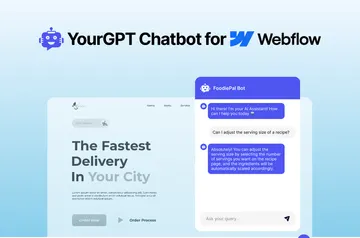
On your Webflow website, Orimon adds a chatbot that answers visitor questions about your company.
Visitors can ask about your company and receive answers generated by AI. Orimon also offers ways to collect leads and connect visitors with a person.
From install to first use
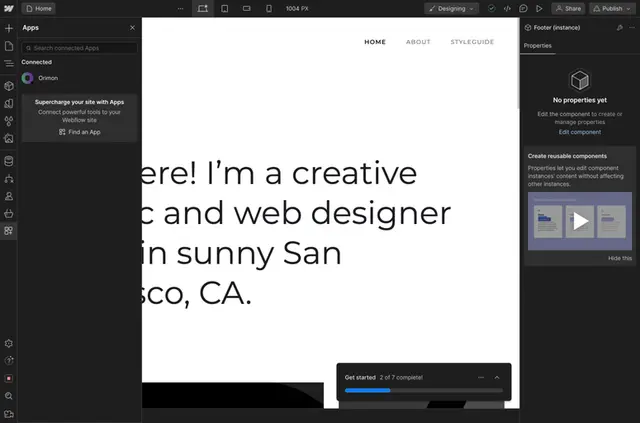
Open the extension popup, enter your chatbot ID and submit it to deploy the chatbot on your Webflow website. Those are the setup steps for getting it running.
After deployment, you can flag an incorrect chatbot reply and retrain the bot.
What Orimon does
Use Orimon to respond to visitors’ company-related questions with AI-generated replies. The chatbot can also help you collect leads from people visiting your website.
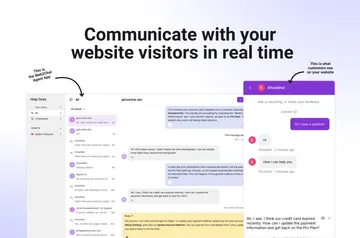
For visitors who want personal assistance, the bot supports requests for live chat with a person. A meeting-booking template gives visitors a way to schedule a meeting.
Common questions
Is Orimon free?
Orimon has a free option, along with paid plans.
Does Orimon run inside the Webflow Designer?
Orimon adds a chatbot to your Webflow website. You deploy it through the extension popup by submitting your chatbot ID.
Can I correct the chatbot when it gives an incorrect reply?
Yes. Bot owners can flag incorrect replies and retrain the chatbot.
Can Orimon help me collect leads?
Yes. The chatbot can help business owners collect leads.