No Code Automated Workflows with Relay.app: AI-Powered Automation Webflow App
Relay.app helps site owners automate publishing, lead follow-up and order tasks with AI assistance and human review.
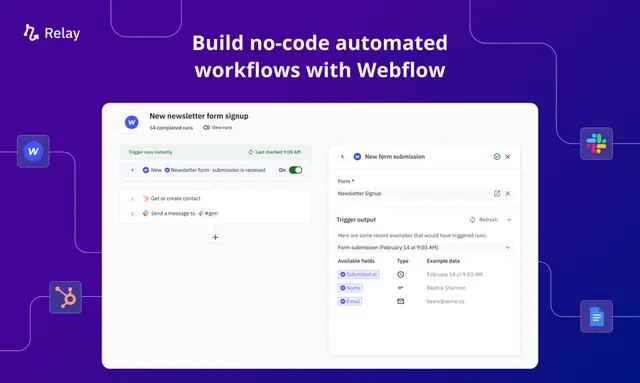
Relay.app works between Webflow and other apps in a workflow, rather than inside the Webflow Designer or on the published site. Teams use it to automate repeated tasks with AI assistance and human review.
It is suited to teams managing publishing, leads or ecommerce fulfillment. People can add details to automated steps and review content before it goes live.
What it asks for
Relay.app is listed as free. When installed, it requests permission to edit Webflow CMS content, ecommerce and site members, and to read forms, sites and your user profile.
Setting it up
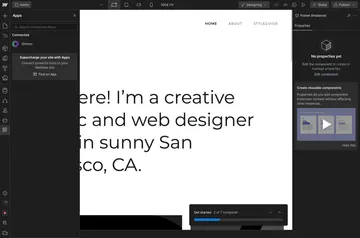
Install Relay.app, then connect Webflow with the content management system, CRM, fulfillment system or other apps in the workflow. A connected CMS can provide article updates, while a CRM can receive new leads.
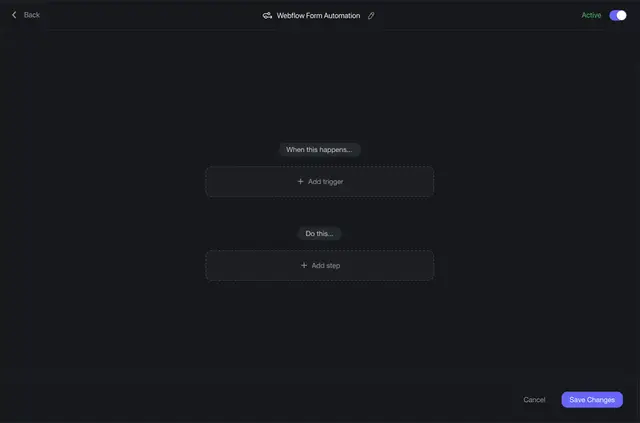
Once the relevant apps are connected, workflows can use Webflow events to start actions. For example, a form submission can begin CRM follow-up, or a purchase can prompt order handling.
Relay.app in practice
A new article in a connected content management system can prompt a Webflow blog post. A Webflow form submission can create a lead in a connected CRM and start follow-up actions. A purchase can prompt order creation and notify a fulfillment team.
AI Autofill can suggest content, summarize information, extract details or classify content. Manual Fill-ins let people add personalization or missing information, and review steps let them check and adjust content before publication.
Relay.app FAQ
Does Relay.app run inside the Webflow Designer?
No. Relay.app connects Webflow with other apps to automate workflow tasks; it does not run inside the Designer.
Does Relay.app work with Webflow Ecommerce?
Yes. A Webflow purchase can start order creation and notify a fulfillment team.
Can people review content before it goes live?
Yes. Review steps let people check and adjust content before publication.
Can Relay.app classify content with AI?
Yes. AI Autofill can classify content, as well as suggest text, summarize information and extract details.