Answer Visitor Questions and Book Meetings with Darwin Webflow App
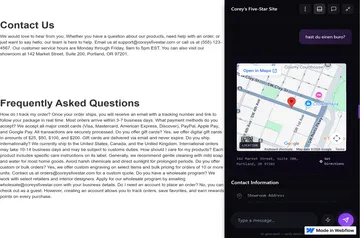
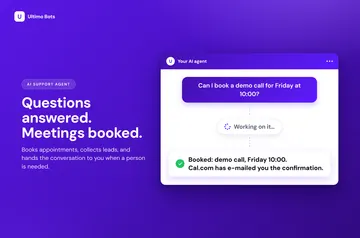
Darwin works across selected Webflow pages, where its chat answers visitor questions and supports meeting bookings.
Without Darwin, handling buying questions and meeting requests can mean manual replies or separate tools. After installation, visitors can use a site chat to get answers and book meetings.
Darwin uses a website and knowledge base to respond to buying questions. Site teams choose the chat’s pages, publishing time and permitted information.
Getting started in Webflow
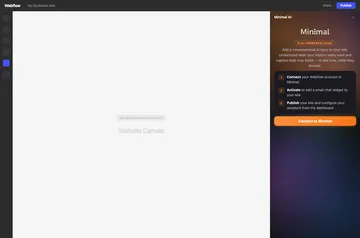
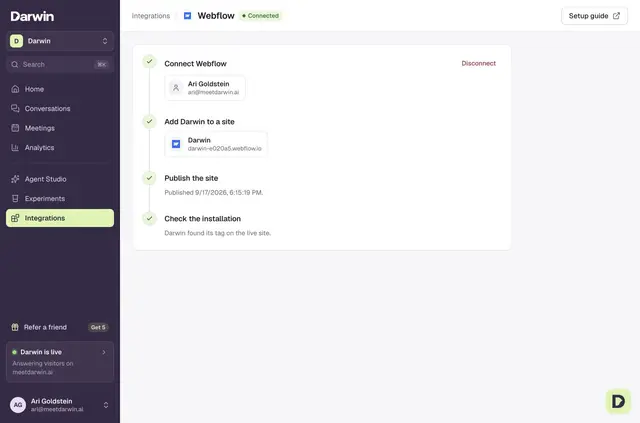
Connect a Webflow account and choose a site to add Darwin’s chat; no code needs to be pasted. To install it, the site needs a plan with custom-code support, and the installer needs permission to publish.
Set the publishing time, select the pages for the chat, and choose which information it may use.
What you can do with it
The chat responds to visitor questions and helps arrange meetings. Darwin’s workspace brings conversations, bookings and page performance together for review.
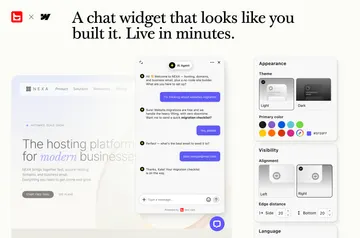
Teams can style the chat to suit their brand. Darwin also tests page-specific opening messages and suggested replies, changing them in response to results.
Access and pricing
Darwin is a paid app. A workspace has five introductory bookings without a monthly base charge. On Origin, each booking beyond those costs $20. Monthly options begin at $99 and come with a set booking allowance.
During installation, Darwin requests permission to edit custom code and sites, and permission to read the Webflow user profile.
Darwin FAQ
Which scheduling services does Darwin support?
Darwin supports Calendly, Google Calendar and RevenueHero. Supported calendar setups can also supply Google Meet and Zoom links.
Can Darwin show different opening messages on different pages?
Yes. It can test page-specific opening messages and suggested replies, then adjust them based on results.
Can I decide what information Darwin uses?
Yes. You choose the information available to Darwin, which uses a website and knowledge base to answer buying questions.
Can Darwin’s chat be styled to match a brand?
Yes. Its appearance can be customized to fit a brand.
What activity can teams review in Darwin?
The workspace displays conversations, booking activity and page performance.