Answer Visitor Questions Using AI with Instant AI Chatbot Webflow App
Give Webflow visitors an AI support chat that answers questions, gathers leads and helps arrange appointments.
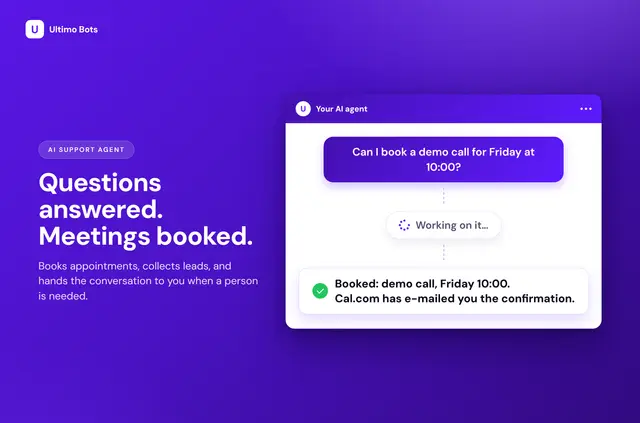
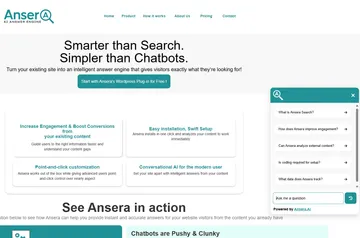
After setup, visitors can ask a chat agent questions, share details for follow-up, or arrange appointments. The agent uses material provided by the site owner and can answer in the visitor’s language.
Site owners can adjust the chat’s appearance and suggested prompts. Instant AI Chatbot is made by Ultimo Bots.
Getting started in Webflow
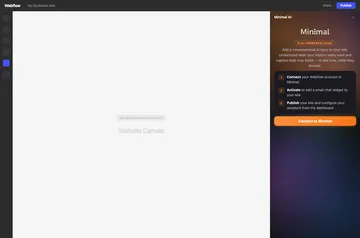
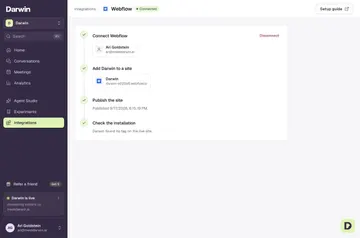
Install the app, connect a Webflow account, and choose the site for the chat. Create an Ultimo Bots account or sign in, then add the chat.
The app puts the chat script in the chosen site’s custom code. Publish that site to make the chat live.
Worth checking first
Answer quality depends on the material supplied for the agent to use. Sources can be uploaded files, custom Q&A or text, and chosen documents from Google Drive, OneDrive, or Notion. AI responses use credits: Free gives 20 once, while monthly allowances are 500 on Smart, 2,000 on Boost, and 10,000 on Ultimo.
Plans are Free, Smart at $29 per month, Boost at $59 per month, and Ultimo at $149 per month. Reply suggestions are offered on Boost and Ultimo; translation is available on Smart and above. The app can edit custom code and sites, and read the user profile.
Feature notes
The chat can connect visitor support with booking, sign-up, billing, and staff conversations.
- Set the chat’s colors, font, logo, icons, placement, size, welcome message, and suggested questions.
- Connect Cal.com for appointment management or Calendly for booking links; HubSpot and Mailchimp can handle visitor sign-ups.
- Use the Stripe connection to show visitors their own invoices and subscriptions after they verify their email with a code.
- Turn on live chat so a team member can take over a conversation; reply suggestions and translation depend on the plan.
Quick answers about Instant AI Chatbot
Can the chatbot answer visitors in different languages?
Yes. It can respond in a visitor’s language, and translation is available on Smart and higher plans.
Can I change how the chat looks on my site?
Yes. You can adjust its colors, font, logo, icons, position, size, welcome message, and suggested questions.
Can visitors book appointments through the chat?
The app connects with Cal.com for appointment management and Calendly for booking links.
Can a team member take over a chat?
Yes. Optional live chat lets team members take over conversations.