Manage Branded Business Email with Neo Mail Webflow App
In Webflow, Neo Mail requests access to site members and your profile for its business email app.
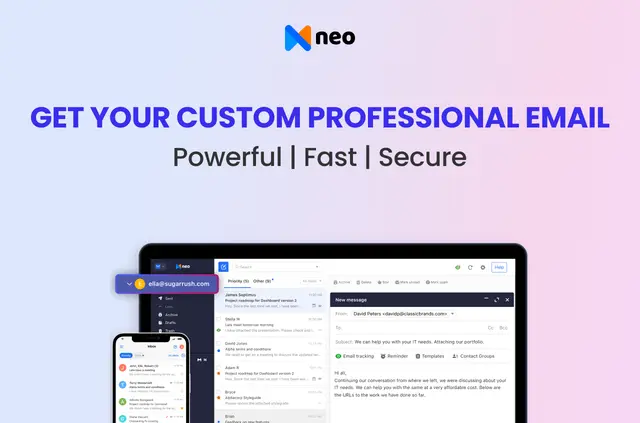
Neo Mail is a business email service for companies that want email addresses on a domain matching their brand. It is made by Neo Workspace.
Email is available in a browser, desktop software and mobile apps. Neo also includes Calendar and Contacts for managing schedules and contact lists.
What you can do with it
Neo Mail provides branded business email and tools for handling business communications. Users can write messages with templates, an email designer or AI writing, then use read receipts and follow-up reminders to manage replies.
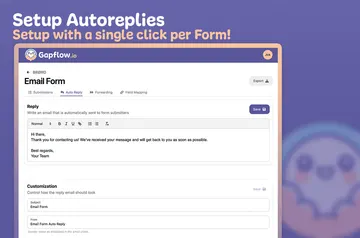
Other features include email campaigns, appointment bookings, signatures, priority inbox, undo send and auto-replies. The Webflow app requests permission to read site members and your user profile.
How setup works
Install Neo Mail in Webflow. To begin using the email service, connect a domain already owned by the business, or receive a free co.site domain when signing up.
Use Neo’s built-in migration tools to bring existing email data into the service. Email can then be accessed through webmail, desktop software or mobile apps. Neo is offered with a free option and paid plans.
Neo Mail FAQ
Can a business use a domain it already owns?
Yes. Neo can connect an existing domain for branded business email.
Can existing email data be moved to Neo?
Yes. Built-in migration tools help import email data from other platforms.
Where can people access Neo Mail?
Neo Mail is available through webmail, desktop software and mobile apps.
What tools help organize business schedules and contacts?
Neo includes Calendar and Contacts apps for schedules and contact lists.
What protections does Neo include?
Neo includes antivirus and antispam protection, data encryption and two-factor authentication.