Automate Visitor Support Using AI Chat with SuperBot Webflow App
Add AI chat and a shared human-support inbox to a Webflow site with SuperBot.
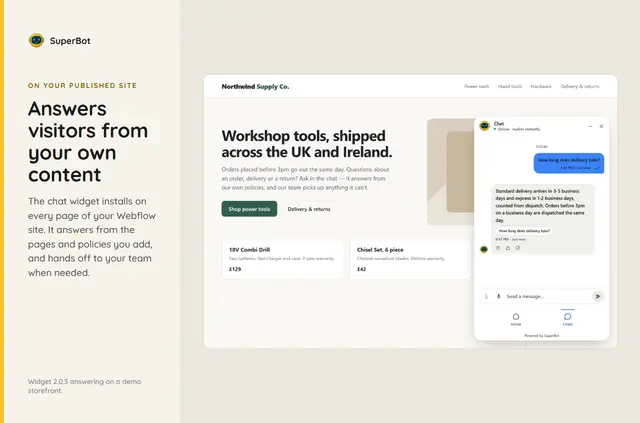
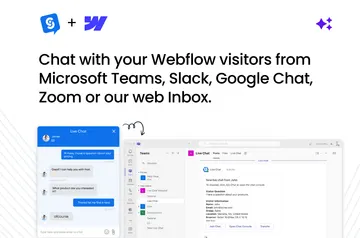
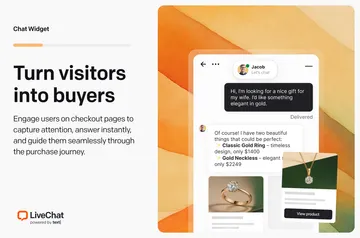
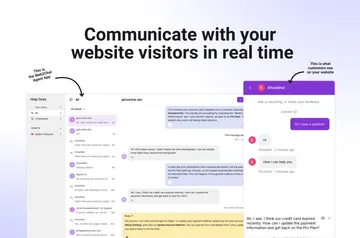
Webflow teams use SuperBot to answer visitor questions with AI and manage follow-up conversations in a shared inbox. Responses show the sources used, and visitors can ask for a person at any time.
Its editable knowledge base can draw on site pages, policies, FAQs and documents. Teams can also add optional tools such as order tracking for connected stores, calls, spam protection and appointment booking links.
Pricing and permissions
SuperBot has a free option as well as paid plans. Yearly billing reduces the price by 20%; Starter and Pro plans let teams customize or remove the SuperBot badge.
- Can edit: custom code.
- Can read: sites and your user profile.
Limits to know
The Webflow site plan needs to support custom code for the chat widget to appear on the published site. CMS content, embeds, text inside images, Webflow orders, form submissions and customer records are not imported into the knowledge base.
AI replies can be incomplete or incorrect. Review the available content and test likely visitor questions before launch, then check responses as the service is used.
What you can do with it
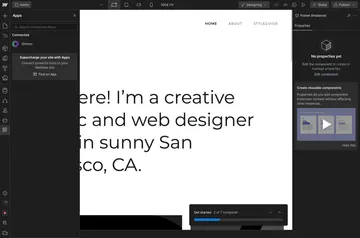
During setup, select a site and SuperBot adds its chat widget across the pages; installation also creates a workspace. In Webflow Designer, choose Read current page, inspect the text, then save it to the knowledge base.
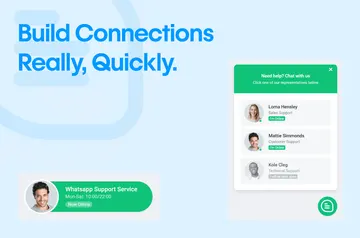
Use the widget for automated answers based on approved material and pass conversations to the team. Depending on the chosen options, visitors may also track store orders, start video or voice calls, receive spam protection or follow appointment booking links.
Common questions
How do you install SuperBot in Webflow?
Install SuperBot, select a site, and it adds the chat widget to every page while creating a workspace. In Designer, choose Read current page, review the text and save it to the knowledge base; publish the site to show the widget.
Can visitors reach a person instead of relying on AI?
Yes. Visitors can request a human at any time, and conversations can be handed to a team through a shared inbox.
What content can I add to SuperBot’s knowledge base?
The editable knowledge base can contain imported pages, policies, FAQs and documents. You can also add page text from Webflow Designer after reviewing it.
Does SuperBot import Webflow CMS content or form submissions?
No. CMS content and form submissions are not imported; neither are embeds, image text, Webflow orders or customer records.