Add a Website Chat Button with Chat Everywhere Webflow App
Add a chat button in Webflow so visitors can contact your business through a popup.
Without a chat option on your site, you may have to point visitors to another contact route or assemble separate tools. Add Chat Everywhere from its Webflow Marketplace listing to give visitors a one-click way to open a familiar chat interface.
You can set up the button and popup without code. Pre-filled messages help visitors begin a conversation, and the chat adjusts to mobile or desktop and to each visitor’s preferred chat method.
From install to first use
Install the app through its Webflow Marketplace listing, then configure the button and popup without code. Choose from more than 10 styles and 100-plus design combinations.
During installation, the app requests permission to edit custom code and read site data and your Webflow profile. Once installed, configure its chat experience for your site.
What it handles
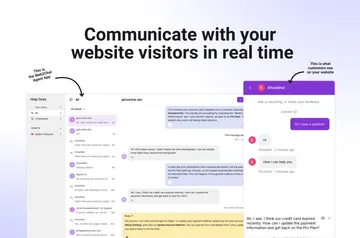
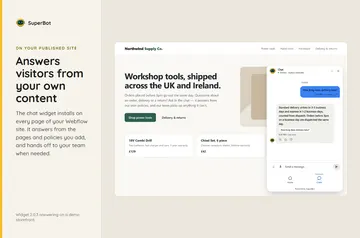
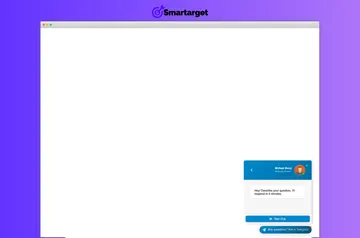
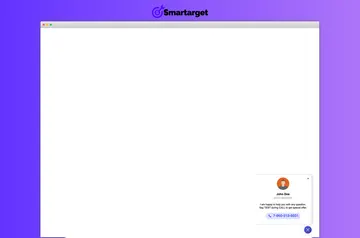
The app places a chat button on your website. Visitors can open the popup with one click, then use a pre-filled message as a starting point for contacting your business.
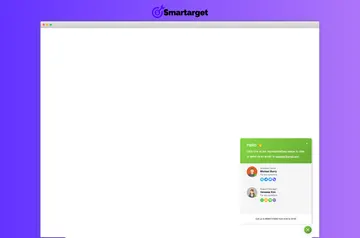
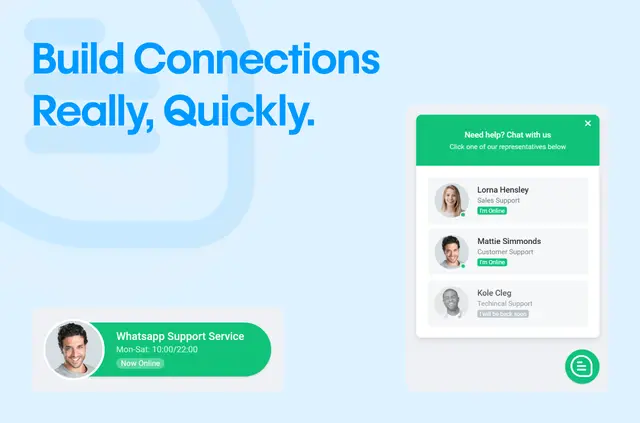
You can display multiple representatives with a profile, contact details and online or offline status for each. This gives visitors a way to identify whom they want to reach.
Who gets the most out of it
Chat Everywhere suits a business site where visitors need to contact the right team member. Showing individual representatives and their availability can help visitors choose who to contact.
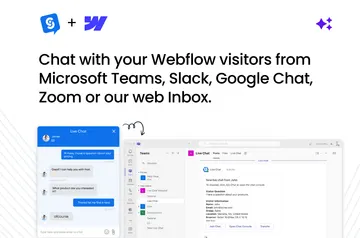
The experience is designed for mobile and desktop, while accommodating a visitor’s preferred chat method. The app is listed as free and made by Certified Code Apps.
Quick answers about Chat Everywhere
Can I change the chat button and popup without writing code?
Yes. You can configure both without code, choosing from more than 10 styles and over 100 design combinations.
Can visitors choose which representative to contact?
Yes. You can show representatives with their own profiles, contact details and online or offline status, so visitors can select a team member.
Does the chat adapt to mobile and desktop?
Yes. The chat experience adapts to mobile and desktop devices, as well as to the visitor’s preferred chat method.
Can a pre-filled message help visitors start a conversation?
Yes. A message can appear in the chat window to give visitors a starting point.
What Webflow permissions does Chat Everywhere request?
It can make changes to custom code and access sites and your user profile.