Connect Visitors to Support with Smartarget Contact Us Webflow App
For businesses using Webflow, Smartarget Contact Us gives visitors a choice of ways to get in touch.
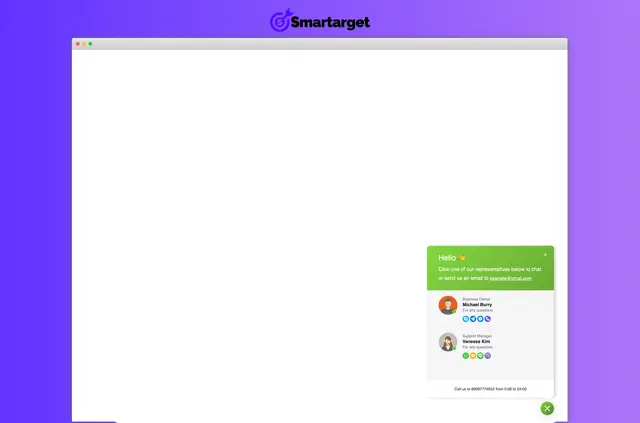
After setup, visitors can use a contact option on the site and pick a communication route that suits them. Businesses can make familiar ways of getting in touch available without limiting the choice to one channel.
The app is intended for businesses that want to connect site visitors with messaging and other contact services.
What it asks for
Smartarget Contact Us is listed with a free option as well as paid plans.
When installed, it can read sites and edit custom code in Webflow.
What it handles
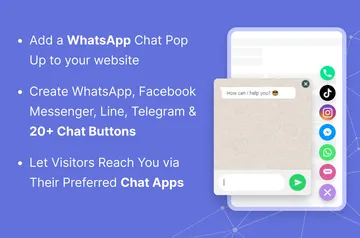
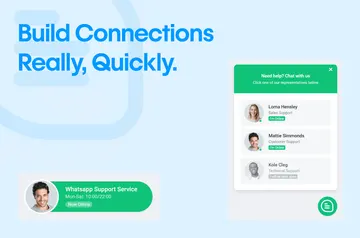
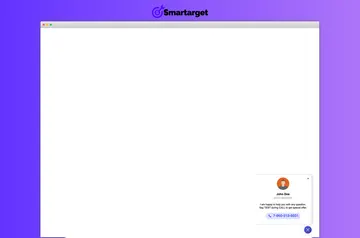
The app adds a contact button to a Webflow project. Site owners can set it up for one contact person or make multiple team members available.
The button can be adjusted with different styles, animations, and positions on the screen. Through the contact option, visitors can reach supported services for messaging, calls, and email.
Quick answers about Smartarget Contact Us
Can visitors contact one person or a team?
The setup can offer a single contact person or multiple team members.
Can the contact button's appearance be changed?
Yes. Its style, animation, and screen position can be customized.
What kinds of contact routes does it support?
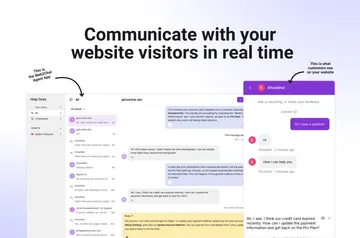
Visitors can connect through supported messaging services, calls, and email.
Who is the app intended for?
It suits businesses that want visitors to reach them through familiar communication platforms.
Does the app add a contact option to a Webflow site?
Yes. It gives visitors a contact button through which they can choose a way to get in touch.