Manage CMS Collection Items with Clay Webflow App
Clay helps teams managing several clients or products create and update Webflow CMS items from Clay.
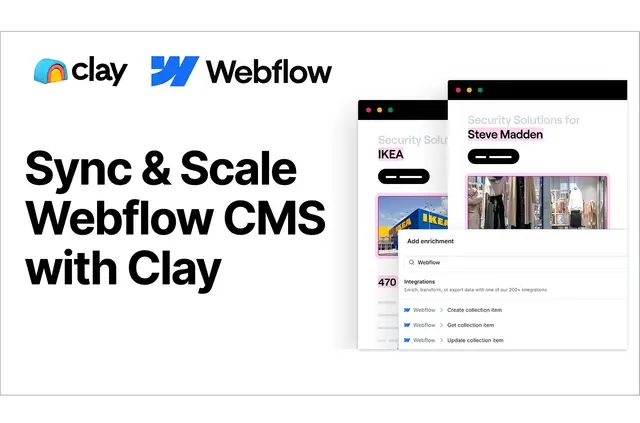
Keeping CMS pages current across client or product projects can mean transferring data between tools and editing collection items by hand. Clay provides a way to manage those items from within Clay.
Teams can map Clay columns to Webflow collection fields, create multiple items in one operation, or bring existing items into Clay and send updates back.
Access and pricing
Clay is listed with a free option and paid plans. Its Webflow access allows it to edit CMS content and read sites.
Clay in practice
For example, teams can map company names and logos from Clay to fields in a Webflow collection. Mapped fields can also hold images, text and brand colors.
Clay supports creating multiple collection items in one operation. For existing items, teams can fetch them into Clay, make changes and send those changes to Webflow.
Common questions
Can Clay create several Webflow CMS items at once?
Yes. Clay can create multiple Webflow collection items in one operation.
Can Clay update items that already exist in Webflow?
Yes. Teams can fetch existing items into Clay, change them and send the updates back to Webflow.
Which Clay columns can be mapped to Webflow collection fields?
Mappings can include company names, logos, images, text and brand colors.
What access does Clay request for Webflow?
Clay can edit CMS content and read sites.
What is needed to connect Clay with Webflow?
Teams need a Clay account and must authorize Webflow. They also follow the Integration Guide to complete the connection.