Automate Site Workflows with Gumloop Webflow App
Gumloop connects Webflow workflows to site activity, CMS updates and bulk member management.
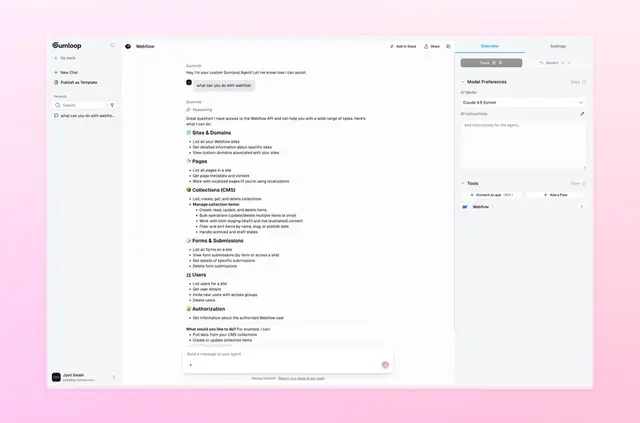
Webflow sites can respond to activity, keep content aligned with other tools, and manage member changes through workflows. Gumloop connects a Webflow project to a workflow automation tool.
Site owners and teams can use it to move data between systems and handle recurring tasks involving CMS content or site members.
What you can do with it
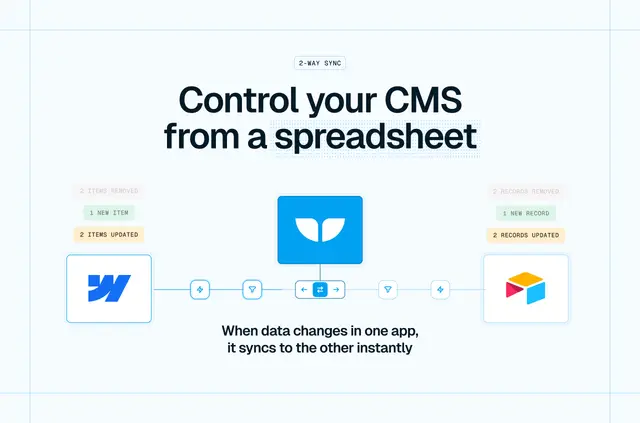
Workflows can react to activity on a site or synchronize Webflow content with other tools. Data from other systems can be used to create or update Webflow CMS items.
For sites with memberships, Gumloop also supports bulk user management for onboarding and offboarding.
Access and pricing
Gumloop is listed with a free option and paid plans. Setup involves connecting a Gumloop account and granting access through Webflow API scopes.
The requested Webflow access allows edits to CMS, forms and site members, and read access to pages, sites and the account holder’s user profile.
Quick answers about Gumloop
Can a workflow react to activity on my Webflow site?
Yes. Workflows can be set up to respond to site activity.
Can Gumloop keep Webflow content in sync with other tools?
Yes. Workflows can synchronize Webflow content with other tools.
Can it create or update CMS items from external data?
Yes. Gumloop can use data from other systems to create and update Webflow CMS items.
Can it handle bulk onboarding and offboarding for members?
Yes. It supports bulk user management for onboarding and offboarding, including on membership-style sites.
What is needed to connect a Gumloop account?
Connect the account and grant access through Webflow API scopes.