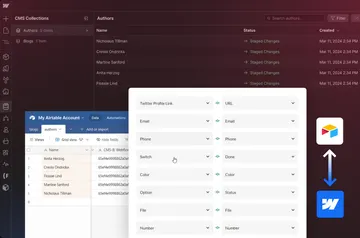
Sync CMS Data Across Platforms with Whalesync Webflow App
Teams managing Webflow directories, blogs, and localized sites use Whalesync to sync CMS data with other tools.
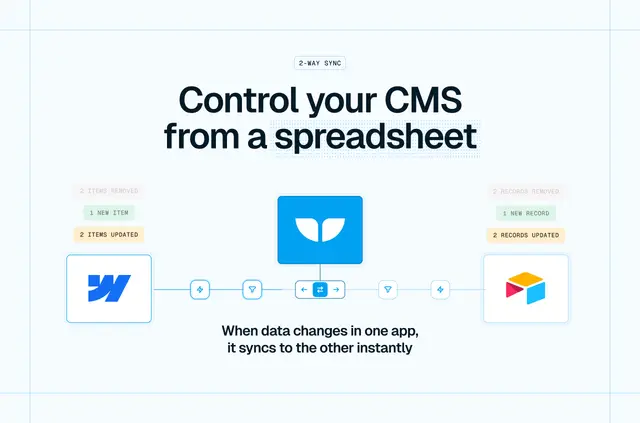
Whalesync is used by teams running Webflow directories, job boards, blogs, programmatic SEO pages, localized content, and CRM-powered sites. It keeps CMS data connected to tools such as Airtable, Notion, Google Sheets, Supabase, and Postgres.
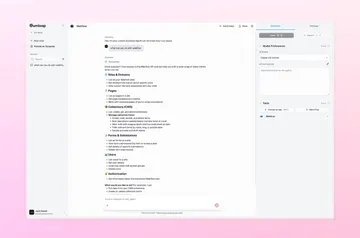
To get started, users connect a Webflow site, select collections, map them to tables, and turn on syncing. Setup calls for a Whalesync account, a Webflow site with CMS collections, and an account for the connected service.
Before you install
Whalesync is listed as paid. New accounts get a seven-day free trial without a credit card; after the trial, syncing requires a paid plan. Pricing starts at $20 per month and varies with the number of synced records.
When installed, Whalesync can edit CMS, pages, ecommerce, site members, and sites. It can read forms and the installing user's profile.
What it handles
CMS changes travel in both directions between Webflow and a connected service. Updates reach the other system within seconds; Webflow changes arrive through webhooks. Supported content includes rich text, images, files, references, multi-references, video links, options, and colors.
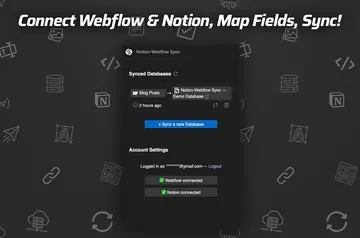
Collections and fields can be matched in Webflow and Airtable or Notion, with Whalesync able to create the corresponding structure in either system. For additional Webflow locales, each locale can use its own table, keeping its edits separate. Live Export offers a read-only CMS copy in Airtable, Notion, Google Sheets, or Supabase, refreshed according to the plan. A REST API and MCP server can manage syncs; webhooks can also send item-change events to an HTTP endpoint. Deletes need explicit approval.
Quick answers about Whalesync
Can I use Whalesync on an Ecommerce site?
Whalesync requests permission to edit ecommerce when installed. Its syncing features are described for Webflow CMS data and collections.
Can Whalesync work with my CMS items?
Yes. It syncs CMS data in both directions and supports content such as rich text, images, files, references, video links, options, and colors. Deletes need explicit approval.
Can agencies use Whalesync on client sites?
The setup supports connecting a Webflow site, choosing collections, mapping tables, and enabling sync. The connected service also needs an account.
How does Whalesync handle localized Webflow content?
Each secondary Webflow locale can sync through its own table, and edits stay specific to that locale.