Filter and Search CMS Collections with CMS Filter & Search Webflow App
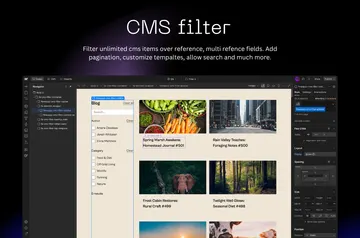
In Webflow Designer, CMS Filter & Search adds search, filters and sorting to CMS Collection Lists without custom code.
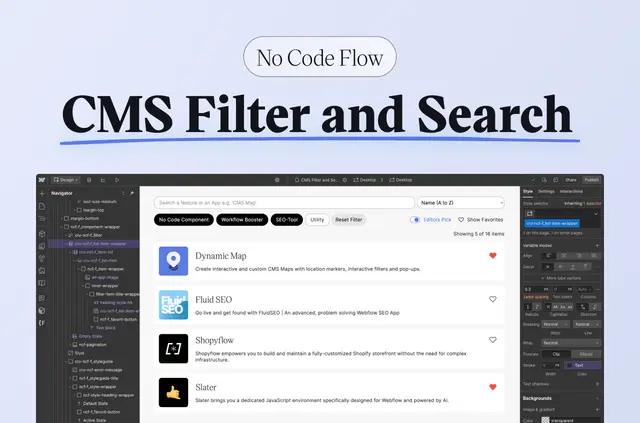
Configure the app in Webflow Designer, then use Webflow’s design tools to style its components. On your published site, visitors can search CMS content as they type and narrow results with filters.
The app suits directories, job boards, real estate listings, event calendars and resource collections. You can test it on a webflow.io staging domain; using a custom domain requires an upgrade. No Code Flow made the app.
Permissions to expect
When installed, the app requests permission to edit CMS and custom code. It also requests permission to read assets and sites.
Feature notes
- Add checkboxes, buttons, dropdowns, range sliders or toggles as filter controls.
- Filter using option, reference, boolean or other CMS fields.
- Let visitors sort CMS items by name, price, date or custom fields.
- Choose a load-more button or infinite scroll for pagination.
- Allow visitors to save or favorite items and share filtered views through URL parameters.
What you can do with it
Add interactive browsing to a CMS Collection List without writing custom code. For a real estate site, visitors could narrow listings by CMS fields, sort by price and load more results.
A directory or event calendar can use search and filters to help visitors find entries. You configure the app in Designer and style its components with Webflow’s tools.
CMS Filter & Search FAQ
Where do I configure the app?
You configure it within Webflow Designer, where you can also style its components using Webflow’s design tools.
Do I need to write code to add filtering?
No. The app adds interactive filtering, search and sorting to Webflow CMS Collection Lists without custom code.
What can visitors sort CMS items by?
Sorting options include name, price, date and custom fields.
How can visitors move through more CMS results?
You can provide pagination with a load-more button or infinite scroll.
Can visitors share a filtered view?
Yes. Filtered views can be shared through URL parameters.