Boost Website Transparency with Smartarget FAQ Webflow App
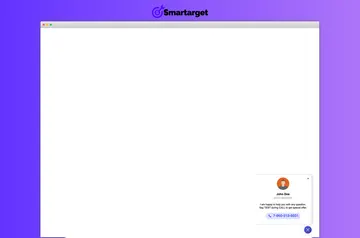
Show common answers, useful page links, and support contact details in a site-wide FAQ button.
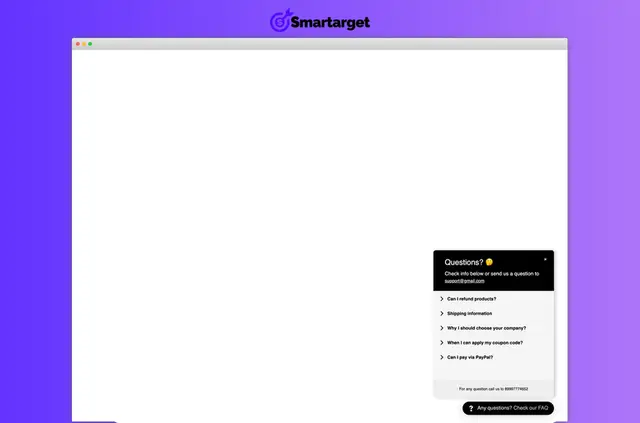
Site owners use Smartarget FAQ to give visitors answers to common customer questions and share helpful information. The FAQ can also direct people to related pages or provide support contact details.
Its button can be displayed throughout a site, and the FAQ is designed for desktop and mobile devices.
What it handles
In a Webflow project, Smartarget FAQ presents questions and answers in a website FAQ. For example, visitors can find a response to a common question, follow a link to a related page, or find support contact details.
How setup works
The app can be added without coding. Once installed, you can choose the FAQ button’s position, colors, and style, then display it across all pages.
Access and pricing
Smartarget FAQ has a free option as well as paid plans. When installed, it requests permission to edit custom code and read sites.
Common questions
Can agencies use Smartarget FAQ on client sites?
It is suited to sites that want to share helpful information and reduce support inquiries.
Can non-developers use Smartarget FAQ?
Yes. The app can be added without coding.
Where do I use Smartarget FAQ once it's installed?
The FAQ button can appear across all pages of a site.
Can the FAQ include links to other pages?
Yes. Visitors can view links to related pages alongside questions and answers.
What pricing options are available?
Smartarget FAQ is offered with a free option and paid plans.