Export Project Assets in Bulk with Asset Exporter Webflow App
Designers, developers and agencies use Asset Exporter to collect a Webflow project’s files in one ZIP.
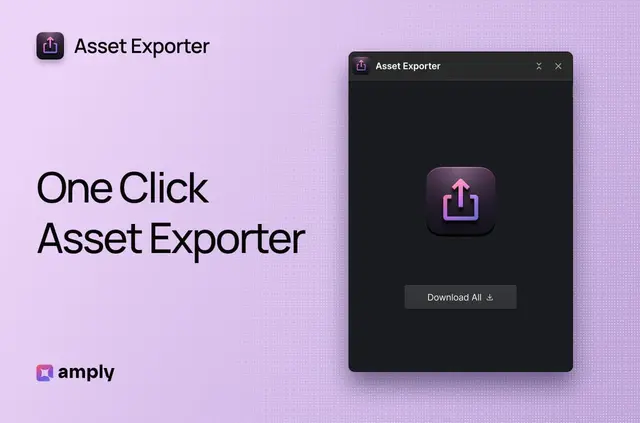
Without Asset Exporter, site builders may need extra tools or download project files one at a time. Once installed, it runs in Webflow Designer and finds the project’s assets automatically.
The app puts images, icons and other media files together in a ZIP, ready to store or share. Made by Amply, Asset Exporter is listed as free.
How setup works
Install Asset Exporter to use it in Webflow Designer. The app needs no complex setup or configuration after installation.
Open the project in Designer and click “Download Assets” to begin. Follow export progress in the status bar.
Who it suits
Asset Exporter suits designers creating backups, developers moving sites and agencies preparing client handoffs. A single ZIP gives each group a collected set of project files to store, transfer or share.
Teams working with many assets can use it instead of saving each file individually.
What Asset Exporter does
The app finds a Webflow project’s assets and exports them together in one ZIP. Supported formats include JPG, PNG, SVG and WebP, along with other media files.
Original filenames are preserved in the archive. This keeps project assets grouped in one file for storage or sharing.
Common questions
Is Asset Exporter free?
Yes. Asset Exporter is listed as free.
Where does Asset Exporter run?
It runs inside Webflow Designer and automatically finds the project’s assets.
How do I start an export and track its progress?
Click “Download Assets” to start, then follow progress in the status bar.
Which file types can it export?
It supports JPG, PNG, SVG, WebP and other media files.
Are filenames changed in the ZIP?
No. The ZIP preserves the assets’ original filenames.