Review Image Alt Text with AltWrightr Webflow App
Site owners can identify missing image alt text across Webflow assets, CMS fields, and Rich Text.
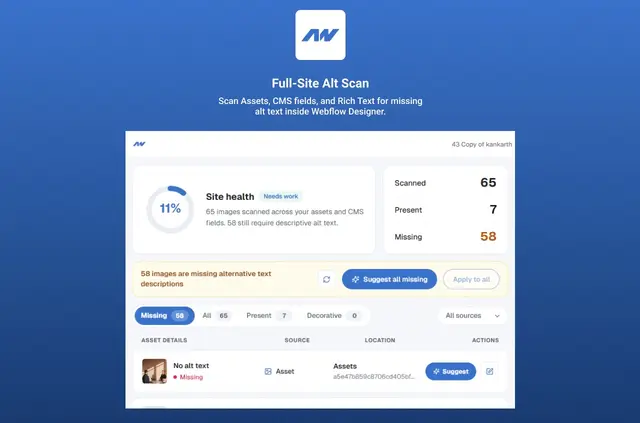
Agencies and site teams use AltWrightr for accessibility reviews, launches, and client handoffs. It finds images without alt text in several parts of a Webflow project.
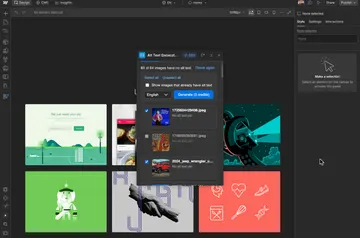
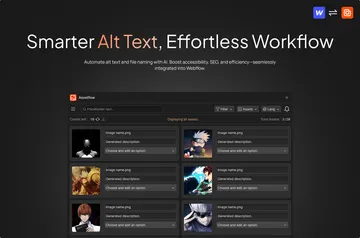
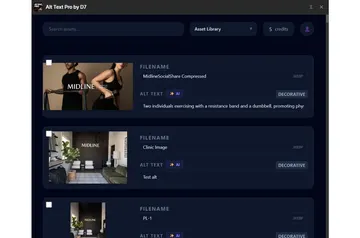
The app scans assets, CMS image fields, and images in Rich Text in one pass, suggesting descriptions based on asset names, filenames, and available CMS context.
What AltWrightr does
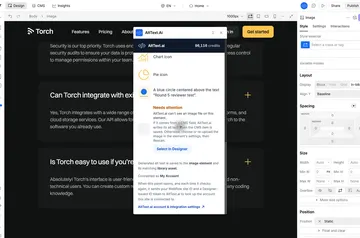
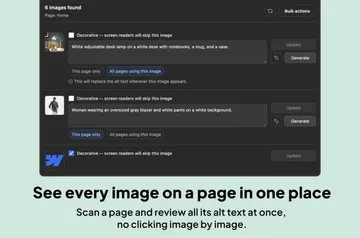
AltWrightr identifies images that lack alt text in the asset library, CMS image fields, and Rich Text content. Reviewers can revise proposed descriptions before applying them.
Updates can be made one item at a time or to multiple missing items. The Designer Extension uses the Webflow Data API to scan project content and make changes.
When it's a good fit
The app is suited to agencies and site teams managing accessibility checks, launch preparation, or client handoffs. It checks asset, CMS, and Rich Text images together, which gives teams a single pass for these sources.
Reviewers can consider each suggested description and choose whether to apply it individually or update several items.
Pricing and permissions
AltWrightr is listed as free. Its requested Webflow permissions include editing CMS, assets, and components, and reading pages, sites, and the user's profile.
To start, install the extension, open it from Designer, and authorize the site through OAuth. Site authorization may carry over between sessions, except when tokens are cleared or the site changes. The Data API handles updates; CMS publishing is possible if allowed by the site.
AltWrightr FAQ
Does AltWrightr run inside the Webflow Designer?
Yes. It runs as a Designer Extension, which you open from Designer.
How does AltWrightr suggest alt text?
It draws on asset names, filenames, and available CMS context to propose text.
Can I review suggestions before applying them?
Yes. Reviewers can edit proposed text, then apply changes individually or to multiple missing items.