Manage Image Alt Text in Bulk with Alt Text Pro by D7 Webflow App
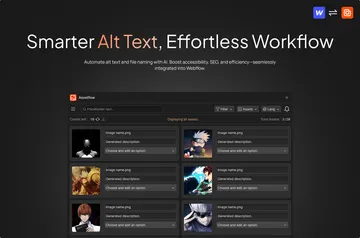
Manage alt text across Webflow images by editing it manually or generating it with AI, then apply changes in bulk.
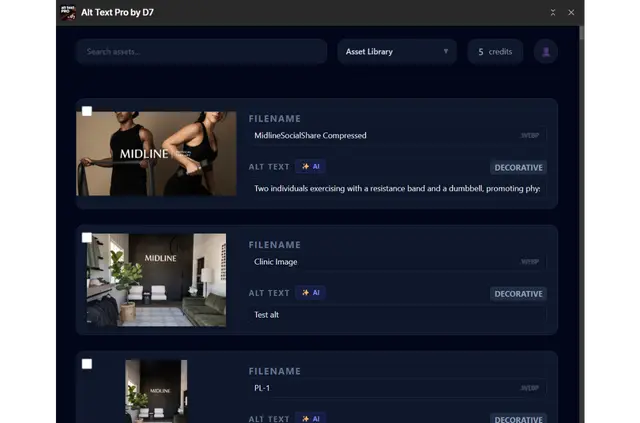
Without Alt Text Pro by D7, Webflow teams handle image descriptions through manual edits or other tools. The app brings manual writing, AI generation and bulk changes into image management for Webflow projects.
Where it fits
The app suits site builders and teams looking after images across CMS collections, asset libraries and static pages. It helps manage alt text in projects where images come from more than one of these places.
What you can do with it
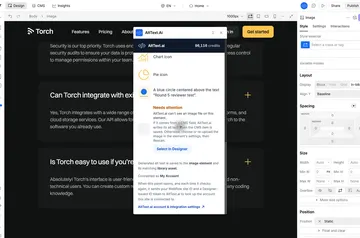
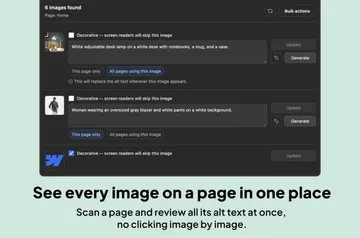
Write descriptions yourself or generate them with AI, then apply alt text changes to several images at once. For example, a team can edit images associated with a CMS collection list or a static page. Changes show in Webflow’s asset panel and CMS image fields immediately.
From install to first use
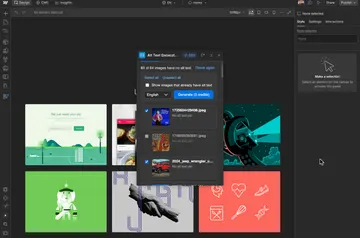
After installing the app, select a CMS collection list or a static page to retrieve its images. Installation requests permission to edit CMS content and assets, and to read pages, sites and the user profile.
Questions about Alt Text Pro by D7
Where do I use Alt Text Pro by D7 once it's installed?
It works with images in a Webflow project, including those retrieved from CMS collection lists and static pages.
Is Alt Text Pro by D7 free?
Manual alt text editing is free. AI-generated descriptions use credits, and the app is listed with a free option and paid plans.
Which images can Alt Text Pro by D7 retrieve?
Images can be retrieved from a selected CMS collection list or an individual static page.
Where do alt text updates appear?
Updates appear immediately in the Webflow asset panel and CMS image fields.