Generate Image Alt Text with Alt Text Generator Webflow App
Generate alt text for Webflow images from inside Designer, then apply it to site images or CMS content.
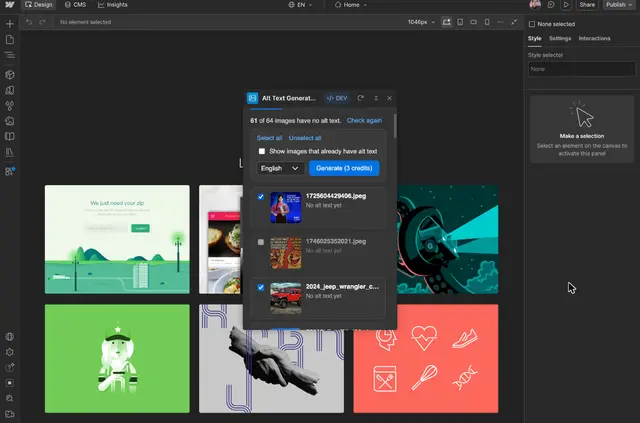
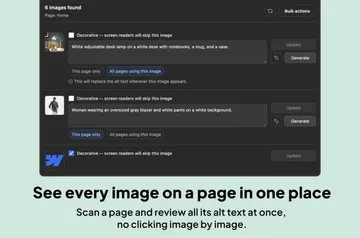
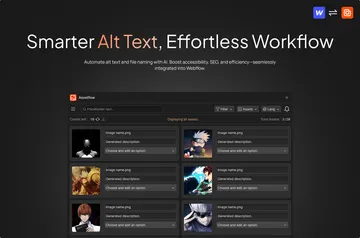
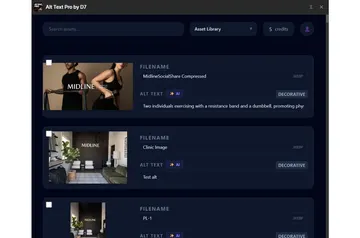
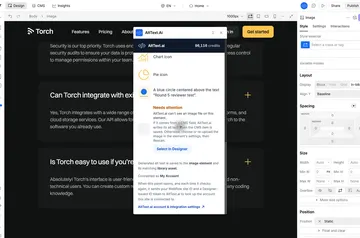
Alt Text Generator works inside Webflow Designer, where you can scan site images for missing alt text and generate descriptions. You can also connect a CMS or enable automatic generation when you select an image.
Choose English or another language for generated text. Image files can be JPEG, JPG, PNG, GIF, SVG, AVIF or WEBP.
Setting it up
Open the app in Webflow Designer, get an API key from alttextgeneratorai.com and enter it in Settings. Choose a language, then generate text from Site images or connect a CMS and select Fill all.
After sign-up, you get two free credits; more credits can be purchased at alttextgeneratorai.com. Each image uses one credit when you generate its alt text. Scanning images and checking your balance are free of credits.
Where it fits
Use the app when you need alt text for images on a Webflow site or in CMS content. You can scan site images to find gaps, or fill missing text across CMS collections in bulk.
For image-by-image work, the automatic option creates alt text when you select an image. You can also choose the language for the text it generates.
Before you install
The app is listed as paid. When installed, it requests permission to edit CMS content and read your sites and user profile.
Questions about Alt Text Generator
Can Alt Text Generator work with my CMS items?
Yes. Connect a CMS, choose a language and select Fill all to generate alt text in bulk for CMS images.
Does scanning for missing alt text use credits?
No. Scanning images and checking your credit balance do not use credits. Generating alt text uses one credit per image.
Can I set a language for generated alt text?
Yes. Choose English or another available language before generating text.
Can I use it with SVG images?
Yes. SVG is one of the image formats the app supports.
Can alt text be generated when I select an image?
Yes. An automatic option generates alt text when you select an image.