Manage Project 301 Redirects with 301Hero Webflow App
301Hero is a Webflow Designer Extension for creating and maintaining project redirects where you edit your site.
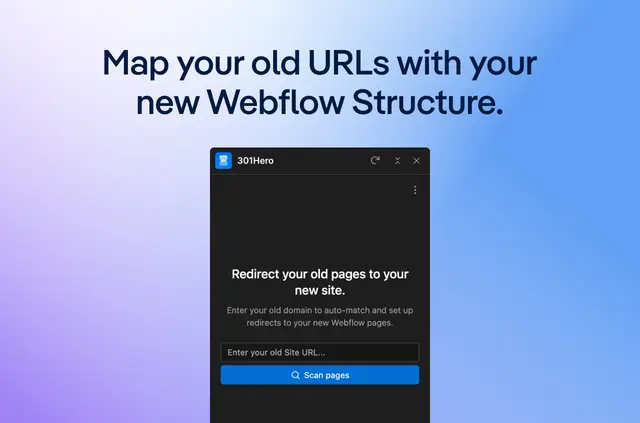
For the Webflow project you open, 301Hero loads its redirect data into an organized interface. You can create, edit, delete, and review rules there.
The extension is made by trinker media and has a free option alongside paid plans. It can help with migrations, redesign launches, URL changes, and broken-link fixes.
Things to keep in mind
When installed, 301Hero can edit site settings and read CMS, pages, sites, and your user profile. It runs in the Webflow Designer, not a separate dashboard.
How setup works
Install the extension and open it for a project in Webflow Designer. It initializes for each project without manual configuration or an external sign-up.
Use the interface to manage redirect rules, or export them for backups, handovers, and migration workflows.
Questions about 301Hero
How can 301Hero help me spot redirect problems?
Interface checks help identify formatting issues and redirect rules that conflict.
Can I export redirect rules for a handover?
Yes. You can export rules for handovers, backups, and migration workflows.
Where do I use 301Hero?
You use it in the Webflow Designer, rather than in a separate dashboard.
Who can use 301Hero to maintain redirects?
It suits Webflow designers, developers, agencies, and site owners maintaining redirects.