Generate Navigable HTML Sitemaps with Visual Sitemap Webflow App
Build a navigable HTML sitemap from your Webflow pages, then style and arrange its links in Designer.
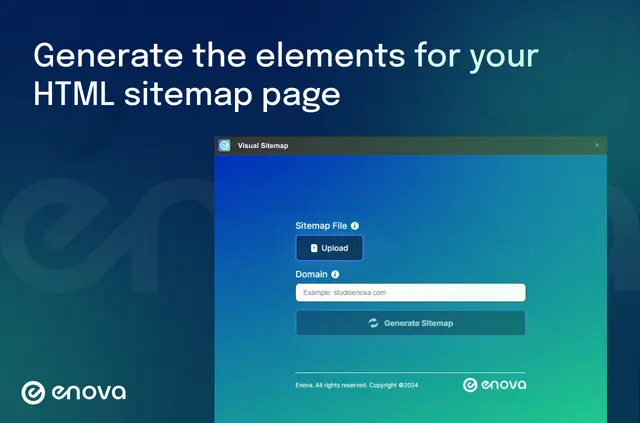
Give visitors a navigable way to browse your site's pages. Visual Sitemap creates sitemap elements in Webflow Designer based on your site's structure.
What it handles
Use the generated elements to present your pages as a structured sitemap. You can adjust the links' styling and arrangement in Webflow, and the extension makes classes for the sitemap elements.
Visual Sitemap is made by Enova.
How setup works
Install the extension, upload a sitemap.xml file, and choose a container DIV in Webflow Designer. Generate the sitemap to create its elements in your project; you can then style and arrange the links in Webflow.
Visual Sitemap FAQ
What file do I upload to generate a sitemap?
Upload a sitemap.xml file before generating the sitemap.
Where do I choose the sitemap's container?
Select a container DIV in Webflow Designer as part of setup.
Can I arrange the generated links in Webflow?
Yes. You can style and arrange the sitemap links in Webflow.
Does the extension make classes for sitemap elements?
Yes. It automatically creates classes for the sitemap elements.
What does Visual Sitemap use to build its elements?
It generates sitemap elements from your site's structure within Webflow Designer.