Connect Interfaces to Data and Logic with Wized Webflow App
Give a Webflow site application logic, connected data, and controls for different user access.
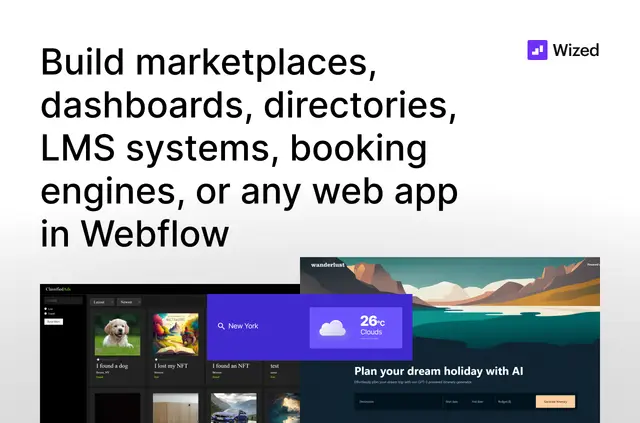
Teams use Wized to build interactive Webflow applications, including marketplaces, dashboards, directories, booking tools, and learning management systems.
They design the interface in Webflow, then use Wized for data connections and application logic. Made by Finsweet, Wized is listed with a free option and paid plans.
Worth checking first
Wized has a learning curve. Projects also need Wized Elements added to the Webflow project to link it with Wized, and the interface is designed separately in Webflow.
Who it suits
Wized suits people building interactive Webflow applications that need custom logic, connected data, or controls over user access. Its use cases range from directories and booking tools to dashboards, marketplaces, and LMS systems.
Wized in practice
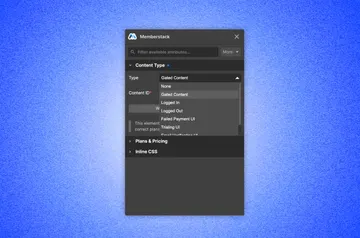
Add Wized Elements to a Webflow project to link it with Wized. The Designer Extension can add or search those elements, inspect elements and their Actions by page, and show project configuration data.
Wized connects Webflow interfaces with Airtable, Xano, Firebase, and Supabase, and can access services offering a REST API. It includes a native Stripe integration for payments. Authentication options include custom authentication and social logins, while gated content, permissions, and user-specific interfaces support different access needs.
Quick answers about Wized
Can Wized connect to a REST API?
Yes. Wized can access services that provide a REST API.
Can Wized control who sees content?
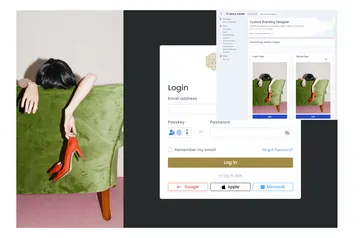
Yes. It supports gated content, permissions, custom authentication, and social logins.
Does Wized support payments?
Yes. Wized includes a native Stripe integration for payments.