Add Interactive Website Powerups with TooEasy Powerups Webflow App
Add custom-script features across your Webflow site with Powerups you manage through the app.
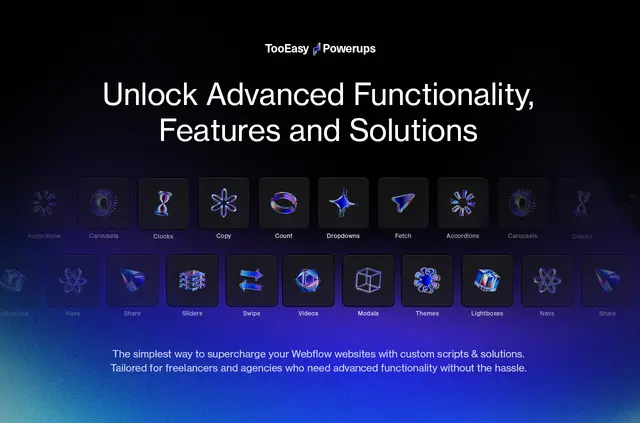
Your visitors can use features such as accordions, modals, social sharing and sliders on your Webflow site. TooEasy Powerups is made for freelancers and agencies who want to add site functions without writing custom code.
Choose a Powerup, install its script, follow its documentation and add the attributes it requires. The app interface lets you manage scripts, including installing and removing them.
Before you install
When you install the app, it can edit custom code in your Webflow projects. It can also read your sites and your user profile.
Limits to know
Some Powerups are free, while premium features are available through the Premium Powerup Bundle with a lifetime project license. The Themes Powerup needs the TE Styling System.
Scripts use Webflow’s secure API to connect with projects, and a global CDN delivers them.
Questions about TooEasy Powerups
Which Powerups can I use?
Free options include accordions, CMS item numbering, page-content fetching, modals, social sharing, swipe gestures and theme changes. Premium options include carousels, clocks, clipboard copying, dropdown enhancements, lightboxes, navigation themes, sliders and video playback.
What slider features are available?
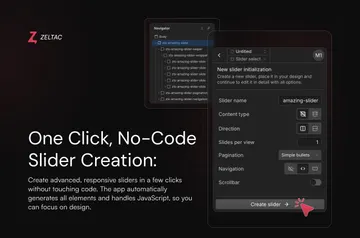
Sliders can fill slides from a CMS and support looping, numbering and scrollbars. You can choose slide or fade transitions.
Do I need to write custom code to use a Powerup?
The app is intended for Webflow freelancers and agencies looking to add features without writing custom code. You install the script, consult its documentation and add the required attributes.
Can I remove a Powerup script?
Yes. The app interface lets you manage scripts, including removing them.
How are scripts delivered to my site?
A global CDN delivers the Powerup scripts.