Display Customer Reviews with Smartarget Reviews Webflow App
Smartarget Reviews lets you show customer comments and ratings across your Webflow website.
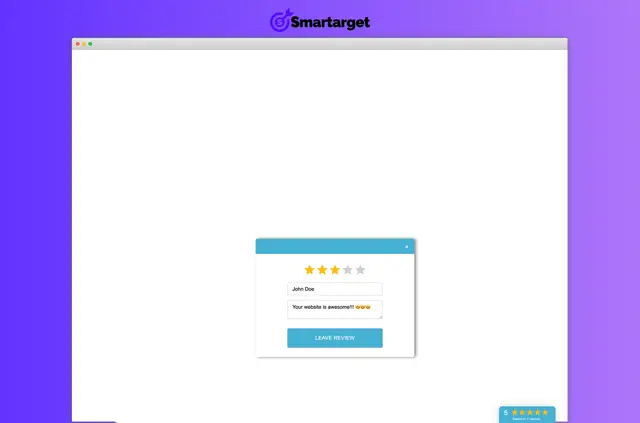
Smartarget Reviews is an app for displaying customer feedback and ratings on a website. In a Webflow project, you can use it to show visitors written comments, star scores and an average rating.
Limits to know
Reviews apply across your whole website rather than to separate products or other individual items. The app can also be used on websites built with platforms besides Webflow.
What Smartarget Reviews does
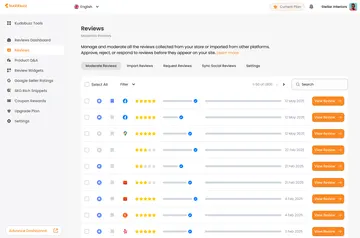
You can collect customer reviews, then choose which ones to approve before they appear. For example, you might display selected written feedback alongside star ratings and an overall customer score.
Feature notes
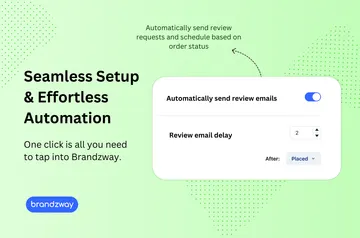
- Get email notifications when a new review is submitted.
- Add private fields for customers to ask questions.
- Adjust the button color and style to suit your site.
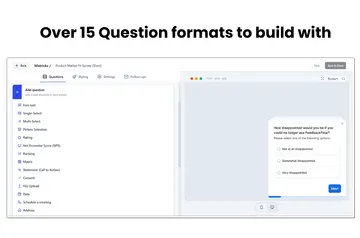
- Customize how reviews look when displayed.
Smartarget Reviews FAQ
Which permissions does Smartarget Reviews ask for?
It can edit custom code and read sites.
How do I add Smartarget Reviews to a Webflow site?
The app can be added to websites built on different platforms, including Webflow sites.
Is Smartarget Reviews free?
It is listed with a free option as well as paid plans.
Can I choose which customer reviews appear?
Yes. You can review submissions and approve them manually before they are displayed.
Can reviews be shown on individual product pages?
No. Reviews apply to the website as a whole, not to individual products or items.