Display Customer Reviews on Your Site with ReviewsJet Webflow App
For Webflow builders creating business sites, ReviewsJet collects customer reviews and lets you choose how to show them.

When building a Webflow site, you can bring customer feedback together in ReviewsJet and choose which reviews appear. Connect a review listing by providing its address, select reviews, then add a display to your website.
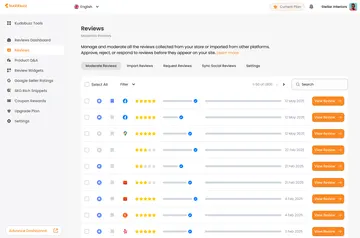
Manage reviews with publishing controls, tags and bulk actions. You can also turn reviews into images for sharing on social media.
What it asks for
ReviewsJet is listed as free. When installed, it can edit custom code and sites, and read ecommerce data and your user profile.
ReviewsJet in practice
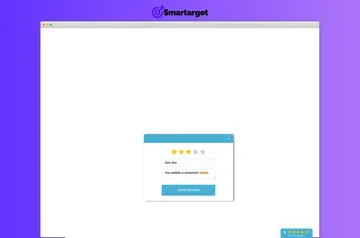
Connect supported sources such as Google, Trustpilot, Yelp, Tripadvisor, Airbnb, Google Play or the App Store. Choose reviews for a Webflow project and present them in a carousel, masonry layout, grid, marquee, list or popup.
Publish or unpublish reviews, add tags, and apply actions to multiple reviews at once. These controls let you manage which feedback is selected for display.
Quick answers about ReviewsJet
Does ReviewsJet suit client projects?
Yes. ReviewsJet is suited to business owners, freelancers and agencies building websites for clients.
How do you install ReviewsJet in Webflow?
You can install the app or add a line of code to display selected reviews.
Where do I use ReviewsJet once it's installed?
Use it to manage reviews and add selected review displays to your website.
Can I choose which customer reviews appear on my site?
Yes. Select the reviews you want to display, then add the resulting display to your website.
Can I share reviews on social media?
Yes. ReviewsJet can turn reviews into images for social media sharing.