Publish SEO Articles to the CMS with Seonix Webflow App
Seonix helps Webflow content teams research topics, create SEO articles and publish them to a CMS.
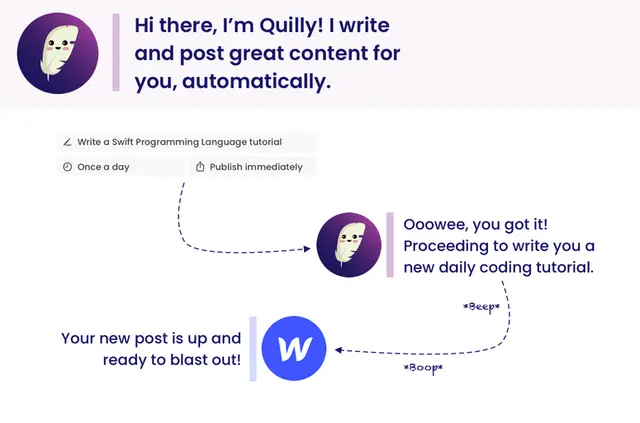
For teams managing Webflow content, Seonix researches search queries, drafts SEO articles and publishes them to a CMS collection on a schedule. It reads site pages and CMS items through the Webflow API to build a project profile and find topics.
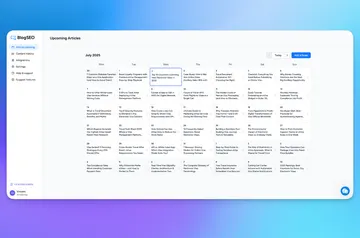
An editable calendar covers both new articles and updates to existing content. In the editor, teams can work with structured headings, internal links and images, and see SEO and readability scores.
Caveats
A project can publish to one Webflow site, and articles are added to that site's primary locale. Seonix requires a Webflow CMS plan.
Seonix maps article content to collection fields, including rich-text body, summary and cover image. Changes to published articles update the existing CMS item, retaining its URL rather than creating another item.
What it asks for
Seonix is listed as paid. Its Free plan costs US$0 and includes audits but not publishing. Starter is US$49 per month or US$470 per year; Enterprise pricing is custom.
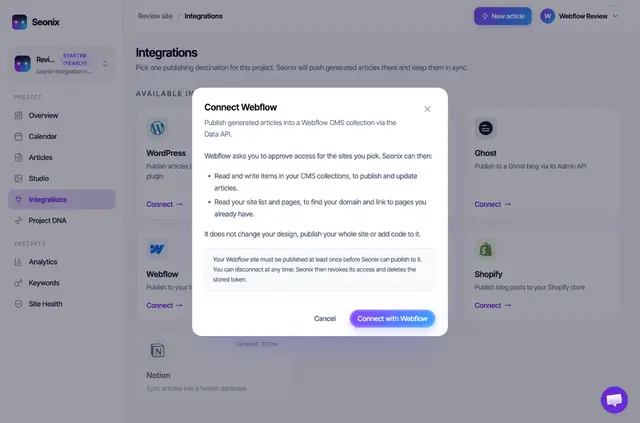
When installed, Seonix can edit CMS content and read pages and sites.
Questions about Seonix
Where do I use Seonix once it's installed?
When connecting, select a Webflow site and its blog collection. The project publishes articles to that site.
Can Seonix work with my CMS items?
Yes. Seonix connects article content to collection fields such as the rich-text body, summary and cover image. Edits to a published article change its existing CMS item and preserve its URL.
How do you install Seonix in Webflow?
Install Seonix, approve its Webflow access, then choose a site and its blog collection.
Can Seonix track rankings and traffic?
Yes. Seonix tracks page rankings and traffic through Google Search Console.
Does Seonix check brand appearances in AI answers?
Yes. Seonix checks whether brands appear in AI answers.
Is Seonix yours? Add the badge
Show visitors that Seonix is featured on FlowFav. Pick a style; the badge is a small image that links to this page and loads no script.
<a href="https://www.flowfav.com/app/seonix-webflow-app"><img src="https://www.flowfav.com/badge/featured-card-light.svg" alt="Featured on FlowFav" width="146" height="54"></a>