Manage Site Content Through Chat with Slack Webflow App
Create and publish Webflow content, update SEO, and ask site questions from Slack.

Webflow site teams using Slack can manage content and ask questions about their sites from Slack conversations. The integration lets them take website actions without switching to Webflow.
Made by Webflow, it accepts natural-language prompts for content creation and publishing, SEO updates, and site insights.
Worth checking first
Some @Webflow features are in Public Beta and require agreement to the Beta Terms. When installed, Slack can edit page content and read sites.
What Slack does
Teams can ask Slackbot in a direct message, chat with @Webflow, or mention @Webflow in a public Slack thread. A direct conversation with @Webflow can also be started from Slack’s Agents menu.
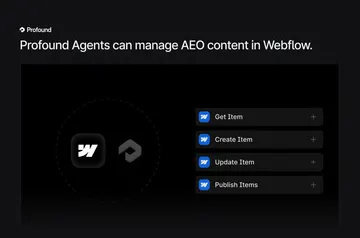
In those conversations, teams can create and publish content, make SEO changes, and get insights about a Webflow site using natural-language requests.
Common questions
What can Slack access in my Webflow account?
It can edit page content and read sites.
Is Slack free?
Slack is listed as free.
Can agencies use Slack on client sites?
The integration suits Webflow site teams managing content and asking questions about their sites from Slack.
How can I start a conversation with @Webflow?
Message @Webflow directly, mention it in a public Slack thread, or start a direct conversation from Slack’s Agents menu.
What kinds of site tasks can I request in Slack?
Use natural-language prompts to create and publish content, make SEO updates, or get site insights.