Capture Leads Through Messaging with Knock AI Webflow App
Give site visitors a way to message you or book a meeting without filling out a form.
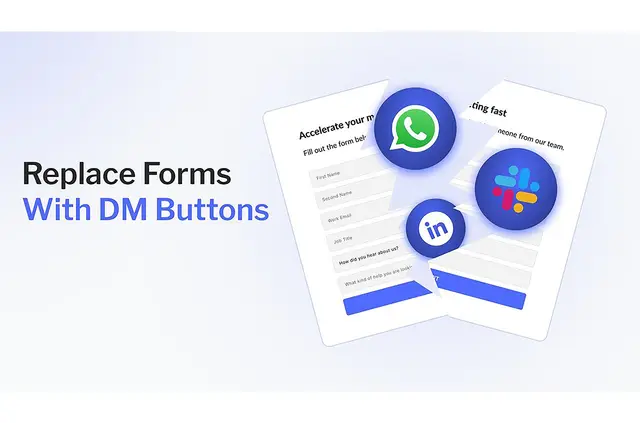
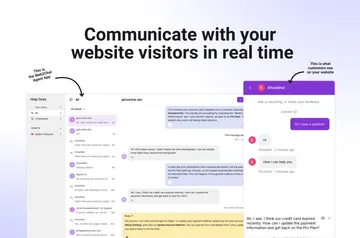
When you want website visitors to start a conversation instead of completing a form, Knock AI gives them buttons to contact your business through messaging apps. A Knock DM Button also lets visitors book a meeting.
The app adds lead and company details, applies your qualification rules, and directs suitable prospects to the right representative. It is designed for teams that want to engage visitors without making form completion a requirement.
What it asks for
Knock AI is listed as paid. When installed, it requests permission to read your Webflow sites and your user profile.
Before using the app in Webflow, register your website with Knock AI.
Who gets the most out of it
This app suits teams that want prospective customers to reach them through a conversation rather than a website form. It can fit sites where visitors may prefer to message a business or arrange a meeting.
If your team uses lead rules to identify its ideal customer profile, Knock AI can screen out leads that do not fit and send qualified prospects to the appropriate representative.
Common questions
How do you install Knock AI in Webflow?
Register your website with Knock AI before using the app in Webflow. During installation, it requests access to read your sites and user profile.
Which messaging channels can visitors use?
Knock AI supports Slack, WhatsApp, and other channels preferred by buyers. Visitors can use a Knock DM Button to start a conversation with your business.
Can a visitor book a meeting through the button?
Yes. A Knock DM Button lets visitors either message your business or book a meeting.
How does Knock AI qualify and route leads?
It enriches lead and company data, then uses rules to qualify leads. It filters out prospects outside your ideal customer profile and directs qualified leads to the appropriate representative.
Where do conversations and lead details go?
Conversations and lead data sync automatically to Slack and a CRM. Representatives can also respond to leads from their Slack workspace.