Route Form Submissions to Connected Tools with Formfic Webflow App
Send Webflow form entries to the services you choose, then manage their routes from one dashboard.
When a Webflow form collects an inquiry or signup, you may need its details in another service. Formfic connects forms to destinations you select and routes new entries automatically once a connection is active.
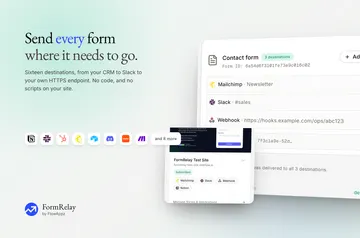
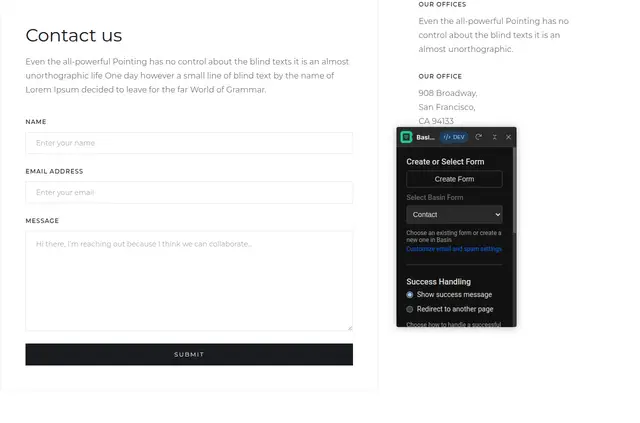
Choose a form, match its fields to a destination, and decide where submissions go. You can send an entry to several platforms and manage forms and connections in a dashboard.
What you can do with it
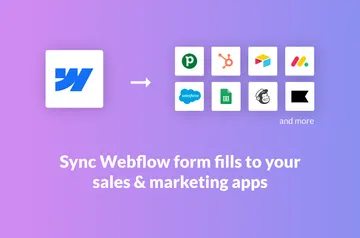
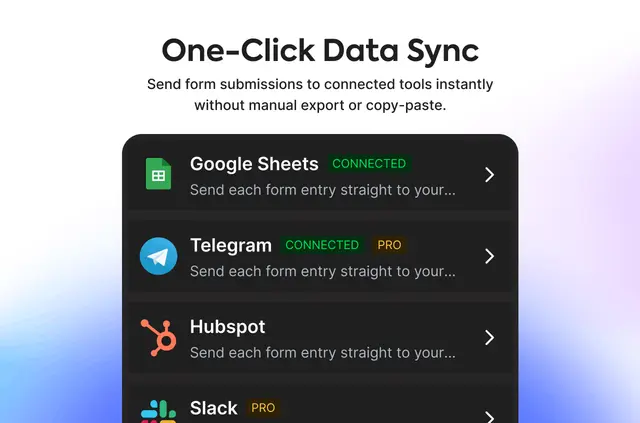
Send form data to supported services including HubSpot, Salesforce, Zoho CRM, Mailchimp, Airtable, Notion, Google Sheets, Zapier, Pabbly, Slack, Telegram, and Twilio. For a custom destination, Formfic can send submissions through a webhook.
After connecting a destination, new entries are routed without custom code. You control which platforms receive each submission.
Where it fits
Formfic is aimed at freelancers, agencies, business owners, marketers, designers, and developers working with Webflow form data. It can serve projects that need entries delivered to a CRM, email or database service, or automation tool, including workflows with more than one destination.
Flowzeo makes Formfic. The app is listed with a free option as well as paid plans.
Setting it up
Install Formfic and authorize the access it needs: editing sites and reading forms and your user profile. Then select a Webflow form, map its fields to a destination, and choose where entries should go.
When the connection is active, new submissions route automatically. Use the dashboard to manage your forms and their integrations.
Quick answers about Formfic
Can I send one form submission to more than one tool?
Yes. Choose multiple destinations for a submission and control which ones receive it.
Can I send submissions to a custom destination?
Yes. Formfic supports sending submissions to custom endpoints through webhooks.
Do I need custom code to route new submissions?
No. Once a connection is active, Formfic automatically routes each new submission.
Are there different plan options for Formfic?
Formfic is listed with a free option and paid plans.
What permissions does Formfic request in Webflow?
It can edit sites and read forms and your user profile.