Capture Form Submissions and Chat Leads with Basin Forms Webflow App
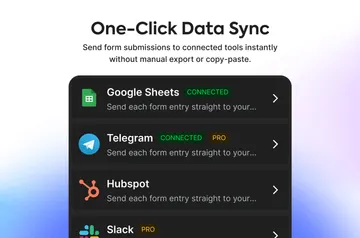
Collect Webflow form submissions and chat leads in Basin, with spam screening and lead-quality scoring.
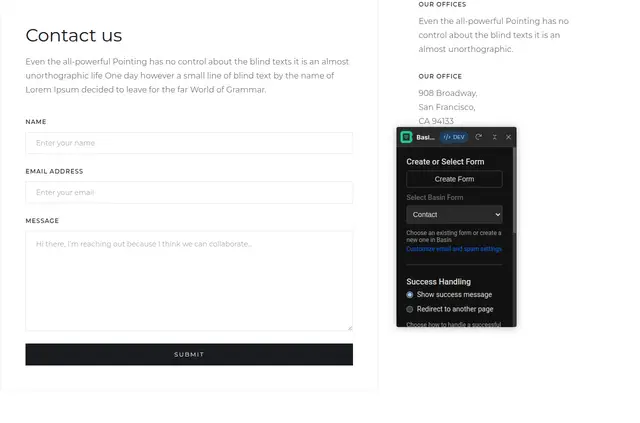
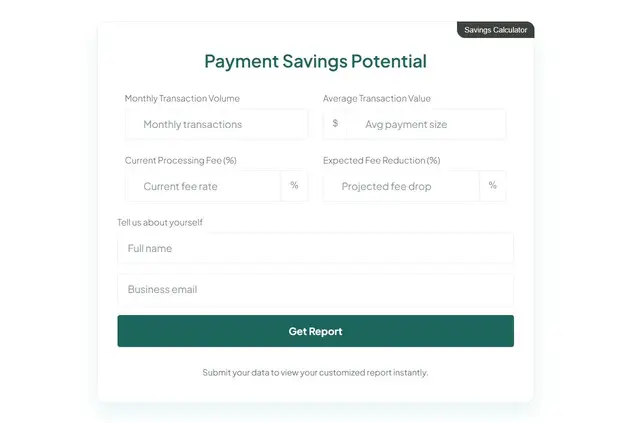
You want to collect leads from your Webflow site without writing backend code. Basin Forms changes a form’s action so submissions go to a Basin endpoint.
Made by Basin (usebasin.com), it brings form and chat lead capture to Webflow projects. It’s suited to designers, founders, and agencies.
Setting it up
Install Basin Forms, then connect a Webflow form by directing its action to a Basin endpoint. Existing forms can be connected without backend code.
What you can do with it
Use forms to collect submissions and set a thank-you page redirect or a success message for after submission. Add a chat widget to collect questions and contact details, and guide visitors toward a call to action.
Features worth knowing
- Use a chat widget to gather visitor contact details and questions.
- Choose between redirecting to a thank-you page and showing a success message.
- Basin scores lead quality so teams can prioritize contacts that fit their business goals.
Basin Forms FAQ
Is Basin Forms free?
Basin Forms is listed with a free option and paid plans.
What can Basin Forms access in my Webflow account?
Its requested access includes permission to change custom code and read your pages, site members, sites, and profile.
Does Basin Forms suit client projects?
Yes. It suits agencies and Webflow designers, as well as founders, seeking form and chat lead capture.
Can Basin Forms screen submissions for spam?
Yes. Checks include Basin spam detection, Google reCAPTCHA, hCAPTCHA, Cloudflare Turnstile, and honeypots.
Does Basin Forms score leads?
Yes. It assigns lead-quality scores to help teams prioritize submissions that align with their business goals.